
Key takeaways
- A recorded decision is not proof of an executed animation.
- Inspect partial and final decisions separately.
- Validate avatar compatibility, rights and live behavior independently.
Start with the recording, then inspect the decisions
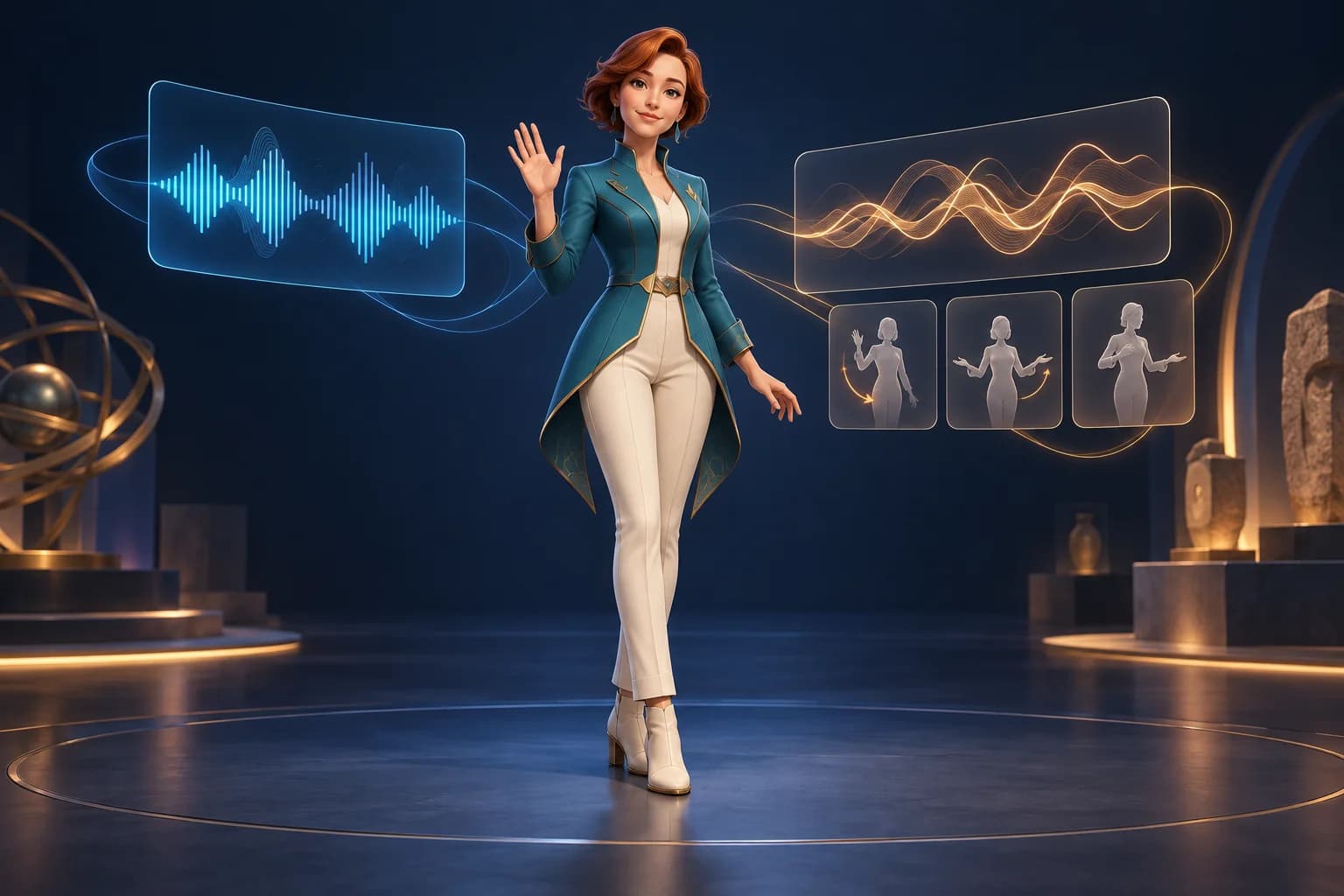
Before connecting a live voice-driven avatar, separate three questions: what was said, what motion was selected, and what actually appeared on screen. Open Annie provides a recorded session and a decision trace you can inspect without model credentials. Our downloadable audit counts those records; it does not turn them into proof of animation quality.[2][4][3]
Rehan Sheikh introduced Open Annie on X on October 7, 2026. The useful starting point for a creator is its inspectable replay, not a speed claim. This guide uses repository revision 1a3aebf and examines the published JSON rather than running a live conversation.[1]
Choose the right mode for the question
The upstream quick start distinguishes a scripted preview, a recorded-session replay and live conversation. The preview uses local rules; the recorded replay supplies saved decisions. Neither is a new live model response. Live mode needs service access and microphone permission. Use the keyless path first when the question is whether the sample data and character behavior are understandable.[2]
For the upstream visual replay, serve a clone with Python's HTTP server and open the stage URL containing replay=demo/live/session.json and decisions=demo/live/decisions.json, as documented in the pinned README. Keep both query parameters: the saved session and saved decisions are different inputs. We did not run that browser replay for this article.[2]
For the text-only audit, use the downloadable README instead. It explains how to obtain two pinned JSON files and run a small standard-library script. It needs no microphone, model key, avatar file or game engine. Do not upload a private conversation just to reproduce this exercise.
What the recorded files actually contain
| Record group | Count | Interpretation |
|---|---|---|
| Listening decisions | 22 | 16 partial and 6 final decisions |
| Reply decisions | 29 | 23 partial and 6 final decisions |
| All decision rows | 51 | Selected responses in the decision trace |
| Session bus events | 195 | Recorded transcript and audio lifecycle events |
Partial records matter because a conversation changes while a sentence is still arriving. Counting only final replies hides most of this trace. Conversely, counting every row as a separate gesture exaggerates what the file can demonstrate: listening decisions can concern a face, and a selected reply still has to pass application rules.[3][5]
The supplied session bus does not record applied cue.clip, cue.face or cue.reaction events. Its transcript and audio records therefore cannot establish which selected motions were ultimately visible. That absence is a limit of this evidence, not a finding that the avatar failed to move.[4][6]
A selected action still has to pass code
Open Annie's gate code treats listening and replies differently. Listening faces have a confidence threshold. Reply clips depend on the chosen installed clip, confidence, whether the transcript is final and whether a partial action has already happened. Actions such as dancing also require a commitment score. A final reaction additionally depends on a cooldown.[5]
The refusal-related veto is also specific: it combines a low performs score with a high probability for the none choice. It is not a general detector that understands every possible refusal. Do not describe a favorable sample as a safety guarantee, or reuse its numeric thresholds as universal settings for another model.[5]
For your own integration, log the selected answer, the gate result, the reason for rejection, the emitted cue and the applied clip separately. Include turn identifiers and a common time base. This is a proposed instrumentation plan, not a claim that the sample already contains all those fields.
- Try a direct action request, an offer to act later and an explicit refusal as separate cases.
- Interrupt speech after a partial decision and inspect whether stale motion continues.
- Exercise a missing clip and a delayed or unavailable decision service.
- Record the visible result as well as the decision output; a passing data check alone is insufficient.
Reproduce the data audit without running a model
The companion includes an original audit script, tests, a generated summary and a compact CSV. Keep the input revision fixed when comparing results. A changed source hash is a reason to inspect the new input, not to silently reuse the old numbers.
The audit deliberately avoids inferring executed motions from model choices. It summarizes the published record structure and flags evidence gaps. Its 13 passing automated tests use small authored fixtures; they validate the helper's logic, not Open Annie, a voice model or a rendered avatar. The recorded files are one demonstration, not a representative evaluation set.
The public companion does not redistribute the conversation text, audio or avatar models. Readers can inspect the pinned upstream files directly. Before analyzing a real conversation, decide what must be logged, obtain the relevant consent and minimize the text retained.
Check the target avatar independently
A motion trace does not establish that a replacement character has the expected rig or expressions. VRM 1.0 names emotion presets such as happy, sad and surprised, and mouth presets such as aa, ih and ou. Check the target avatar's actual mappings instead of assuming a similarly named face will deform the same way.[8]
Open Annie documents its motion format in normalized VRM 1.0 space and a conversion for VRM 0.x rigs. A generic model export is not automatically that runtime contract. After any character swap, inspect rest pose, joints, expression response, hand placement and transitions using the actual asset. These are suggested checks; we did not perform them here.[6]
The project's Apache-2.0 code license does not cover all of its assets. Its notice identifies separate terms for avatars and motion. Inspect those notices before redistributing a character or demo media; do not label the entire repository's contents CC0.[7]
Keep character creation separate from live behavior
Goblin3D can help you start a visual asset from an image or text and export GLB, OBJ or FBX on paid plans. That does not establish a ready-to-use Open Annie or VRM avatar. If you use a generated character as a starting point, treat rigging, expressions, conversion and runtime validation as separate work.[9]
The immediate win is a more precise review: distinguish transcript events from decisions, decisions from allowed cues, and allowed cues from visible motion. Start with the supplied recording, make evidence gaps explicit, then evaluate a live setup on its own terms.
Evidence used
- Reproduce the recorded-data audit
Original standard-library audit, reproduction instructions and explicit evidence limits.
- Inspect the calculated summary
Counts and structural findings calculated from pinned upstream JSON; not a live-model benchmark.
Sources
- 1.Open Annie creator announcement — Rehan Sheikh. Accessed 2026-10-13.
- 2.Open Annie pinned quick start — Open Annie authors. Accessed 2026-10-13.
- 3.Recorded decision trace — Open Annie authors. Accessed 2026-10-13.
- 4.Recorded session events — Open Annie authors. Accessed 2026-10-13.
- 5.Decision gates and pacing — Open Annie authors. Accessed 2026-10-13.
- 6.Open Annie interfaces — Open Annie authors. Accessed 2026-10-13.
- 7.Open Annie asset notices — Open Annie authors. Accessed 2026-10-13.
- 8.VRM 1.0 expression presets — VRM Consortium. Accessed 2026-10-13.
- 9.Goblin3D public tools — Goblin3D. Accessed 2026-10-13.
Start with a visual character reference
Explore Goblin3D Image to 3D, then plan the rig, expressions and runtime checks your character needs.
Explore Image to 3DRelated Goblin3D guides and tools
Sources, product facts, and original evidence were checked before publication.