
 1
1 2
2 3
3 4
4 5
5 6
6 7
7 8
8Regenerate one direction
Retry only the views that need another pass instead of rebuilding the full set.
Describe a character or add a reference, then turn the same identity into a consistent four- or eight-direction sprite set.
Create a sprite
Start from a prompt, a reference image, or use both together.
Keep the character, regenerate it, or skip review for a continuous run.
Build a compact four-way set or add diagonals with eight-way output.
Use Idle and Walk, then describe any custom motion the character needs.
A nimble goblin ranger with a moss-green hood, leather armor and a clear silhouette.
Choose the four cardinal views for a compact set, or include diagonals for smoother top-down movement.
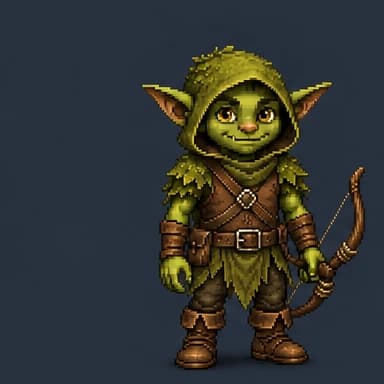
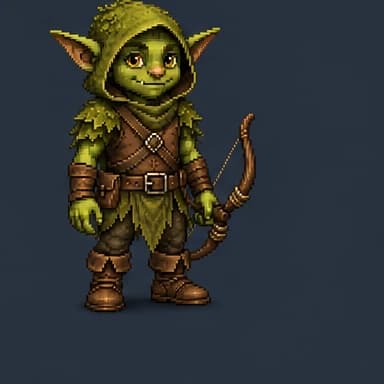
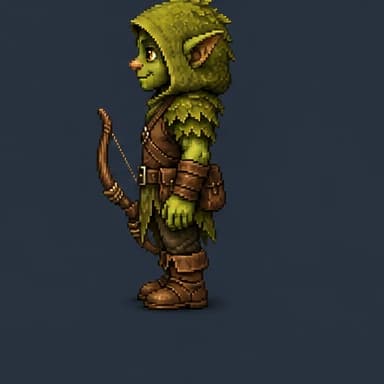
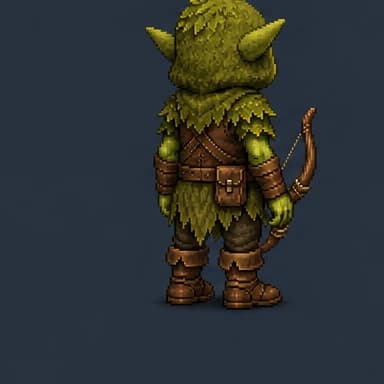
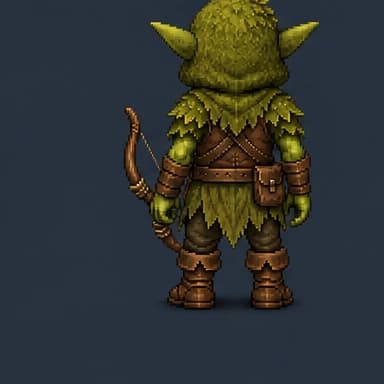
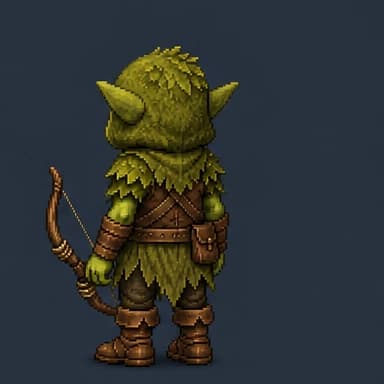
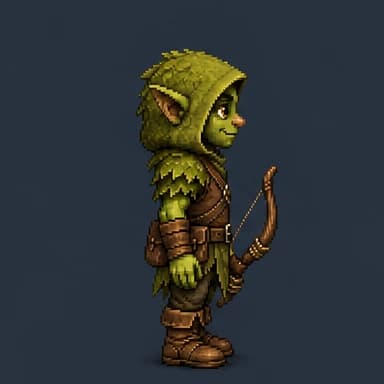
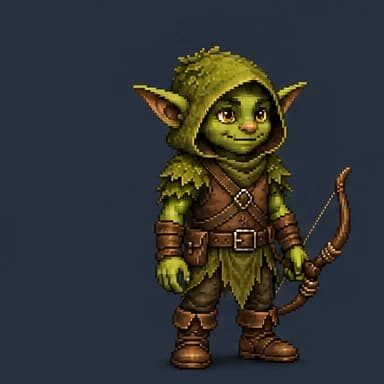
Choose 4 to 16 frames for each motion, then check its rhythm at different preview speeds.
Retry only the views that need another pass instead of rebuilding the full set.
Clean individual frames while keeping the sprite-sheet grid aligned.
Place the character anchor where your game needs it before export.

Download PNG or WebP sheets, JSON metadata, or a ZIP bundle for the next step in your project.
Direct answer
Goblin3D creates a reusable pixel-art character from a prompt, reference image, or both. It then generates 4-way or 8-way Idle, Walk, and custom animation sheets at 64px or 128px per frame.
Start with a description, a reference image, or both. Keep the result or skip review to continue automatically.
Generate four or eight views, use Idle and Walk, and add named custom motions with configurable frame counts.
Preview each direction, regenerate selected views, edit pixels and pivot, then export images and metadata.
The current character workflow supports four directions or eight directions. The eight-way option adds diagonal views for smoother top-down movement.
Idle and Walk are included as presets. You can also add one or more custom motions, name each motion, describe the action, and choose a supported frame count.
The current supported frame sizes are 64 by 64 pixels and 128 by 128 pixels.
Yes. You can regenerate selected directions, edit the sprite pixels, and change the pivot while keeping the rest of the generated animation set.
Export the selected sheet as PNG or WebP, download a JSON manifest, or create a ZIP containing the generated sheets and metadata. JSON and ZIP manifests can carry a Generic, Unity, or Godot engine label for handoff.