
Create game assetsfor your vibe-coded game.
Goblin3D helps game creators generate 3D models from text or reference images, prepare animated characters, create directional 2D sprite sheets, and export the results for Unity, Godot, or Blender. It creates game assets—not game code.
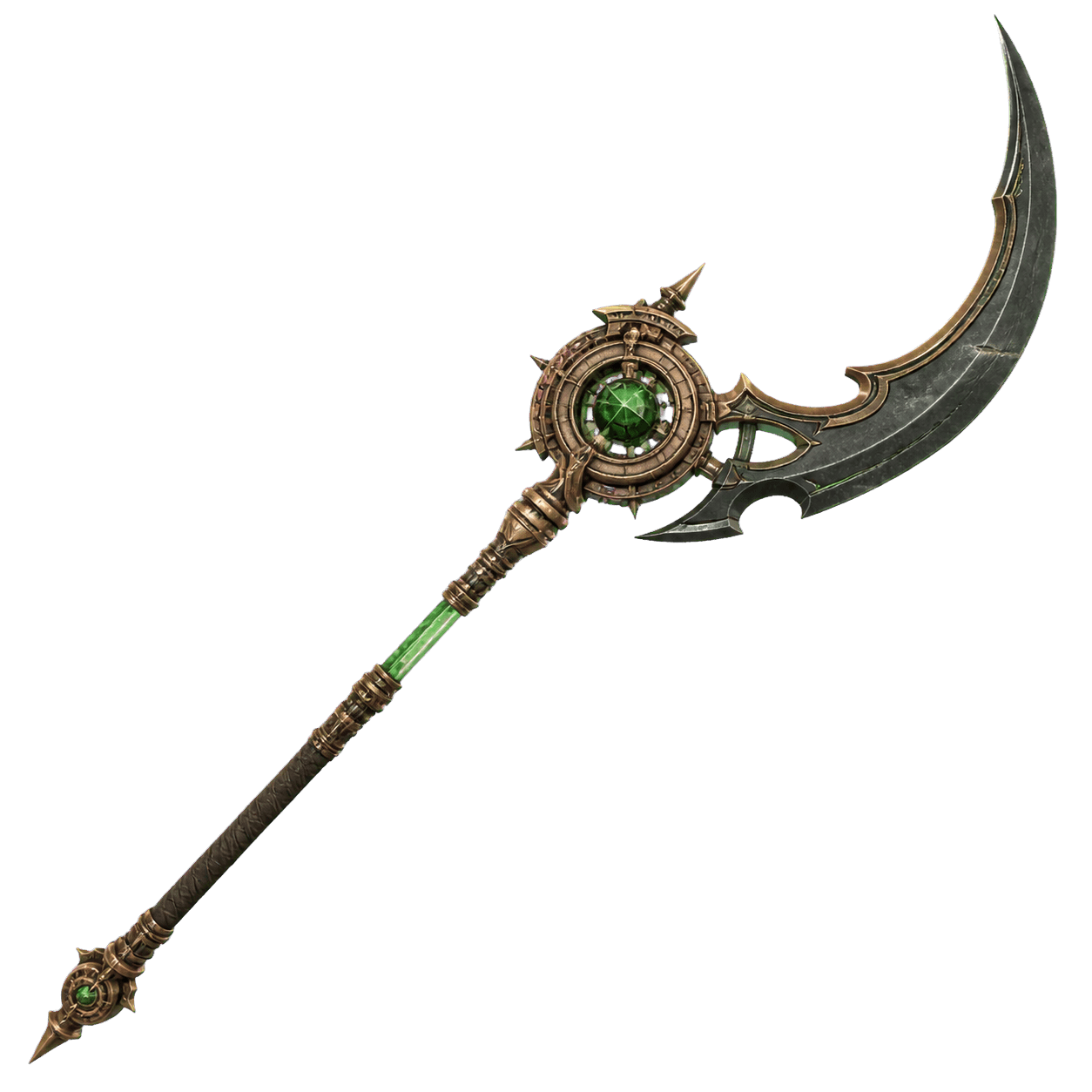
An arcane clockwork glaive with blackened steel, aged bronze, and a green energy core.
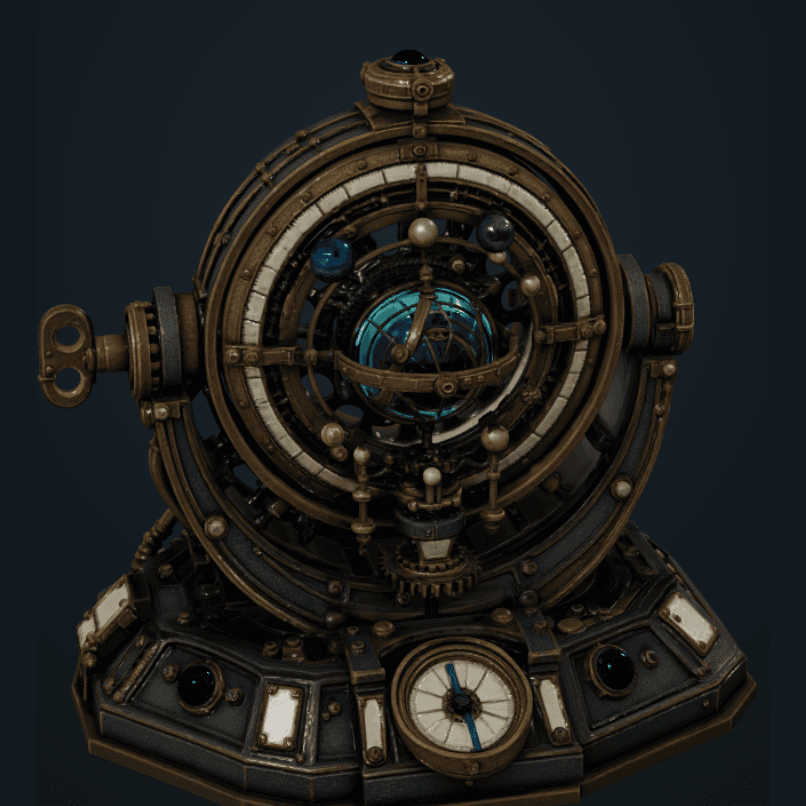
One creative loop.More than sprites.
Use the same prompt-led rhythm to create the visual pieces your game needs. Choose the output that fits the moment, then keep refining without leaving the asset workflow.
- 01Explore image to 3D
3D models from text or images
Describe a prop, character, or environment—or upload a reference—and turn it into a textured 3D asset.
- 02Open the 3D workspace
Rigged and animated characters
Prepare a humanoid model for motion, preview animations, and export the result for your game workflow.
- 03Explore sprite generation
Directional 2D sprite sheets
Keep one approved character consistent across Idle, Walk, four or eight directions, and engine-ready exports.
From idea to game-ready asset.
Describe it or upload a reference. Generate the model, refine it, then send it to your game workflow.
- 01
Describe
Write a prompt or upload a reference image.
- 02
Generate
Create a 3D model, character, prop, or sprite set.
- 03
Refine
Review geometry, motion, directions, and presentation.
- 04
Export
Move the finished files into your game workflow.
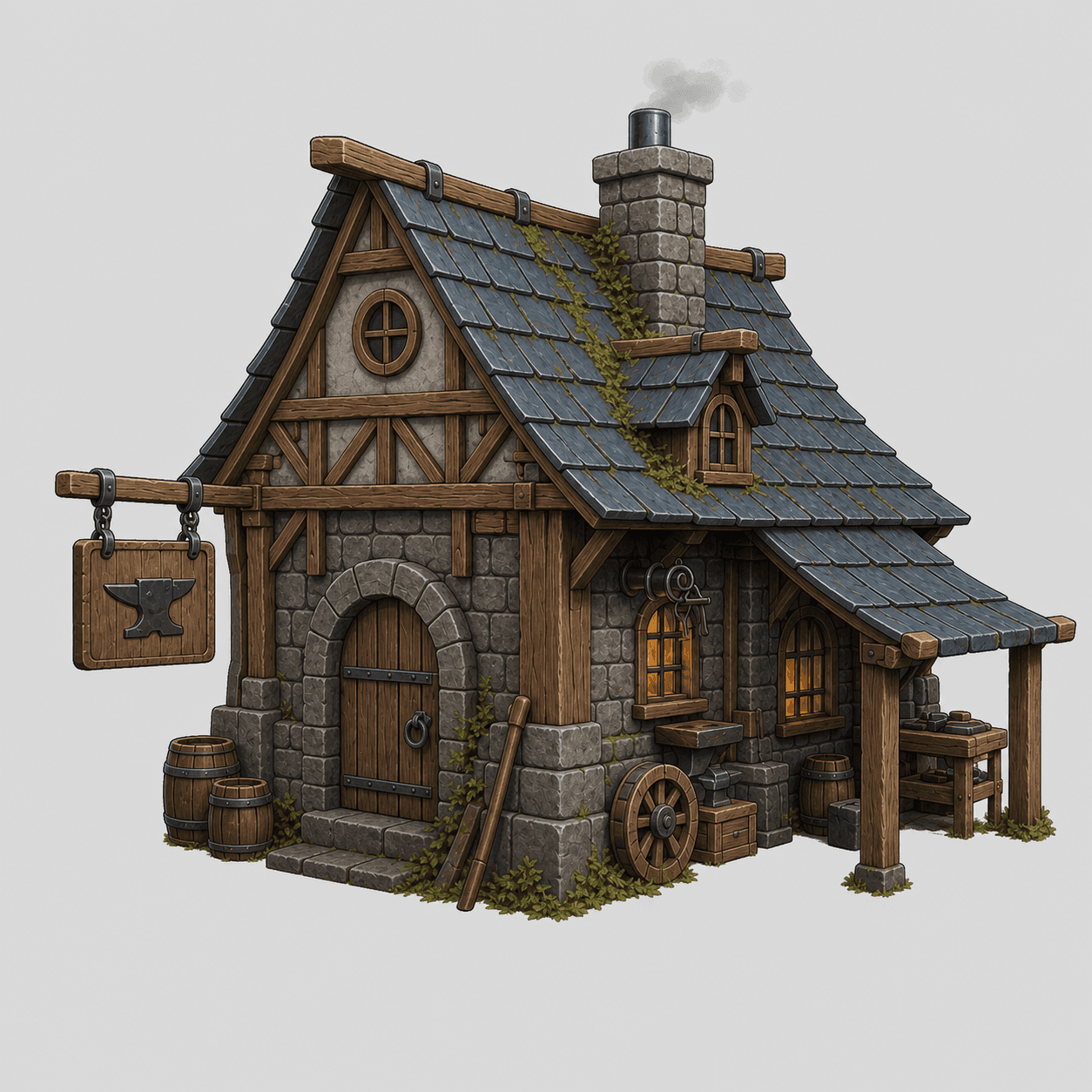 Reference
 Geometry
 Textured result
Give characters a body that moves.
Take a generated humanoid model into the rigging stage, inspect its motion, choose the animations you need, and export the prepared character.
- Automatic humanoid rigging
- Animation preview and selection
- Export-ready animated model
One character.Every direction.
Start with the approved Goblin Adventurer sample and generate consistent Idle and Walk sheets without changing the character identity.
Ready for your game workflow.
Goblin3D prepares the visual assets and metadata. You stay in control of importing, slicing, materials, animation graphs, and gameplay logic inside your tools.
What Goblin3D supports today.
Clear capabilities and honest limits make the creative loop easier to understand—and easier to use.
3D creation
Text-to-3D and image-to-3D for characters, props, and environment assets
3D refinement
Preview, remesh, rigging, animation selection, and model export
2D sprites
64px or 128px frames, four or eight directions, Idle, Walk, and custom motion
Sprite export
PNG, WebP, JSON, and ZIP packages with Generic, Unity, or Godot labels
Responsibility
Goblin3D creates assets; you connect gameplay logic inside your engine
Game assets for vibe coding, answered.
Direct answers about what the workflow creates, what it exports, and where your game engine takes over.
What are AI game assets for vibe coding?
They are visual assets created through the same prompt-led loop people use while vibe coding a game. Goblin3D applies that loop to 3D models, characters, props, environments, animations, and directional 2D sprite sheets.
Can Goblin3D create a 3D model from text?
Yes. Describe the object or character, choose generation settings, and use the result for preview, refinement, or export.
Can I turn a reference image into a 3D model?
Yes. Upload a clear reference image to create a 3D interpretation. Multi-view references provide more information when consistent details are needed from several angles.
Can Goblin3D rig and animate 3D characters?
Yes. Supported humanoid models can enter the rigging workflow, preview available animations, and export an animated model.
Can Goblin3D generate directional 2D sprite sheets?
Yes. Start from text, an image, or both, then create 64 or 128 pixel frames in four or eight directions with Idle, Walk, or a custom motion.
Which files can I export?
3D choices depend on the model and processing stage. Sprite exports include PNG or WebP images, a JSON manifest, and ZIP packages with sheets and metadata.
Can I use Goblin3D assets in Unity, Godot, or Blender?
Yes. Goblin3D prepares models, images, animation data, and sprite metadata. You import and configure them inside your compatible tool.
Does Goblin3D generate game code?
No. Goblin3D creates and prepares visual assets. Your coding tool or engine remains responsible for gameplay logic, state machines, materials, collisions, and integration.
Describe the idea. Build the asset.
Start with a prompt or reference image and leave with a visual asset you can continue shaping for your game.