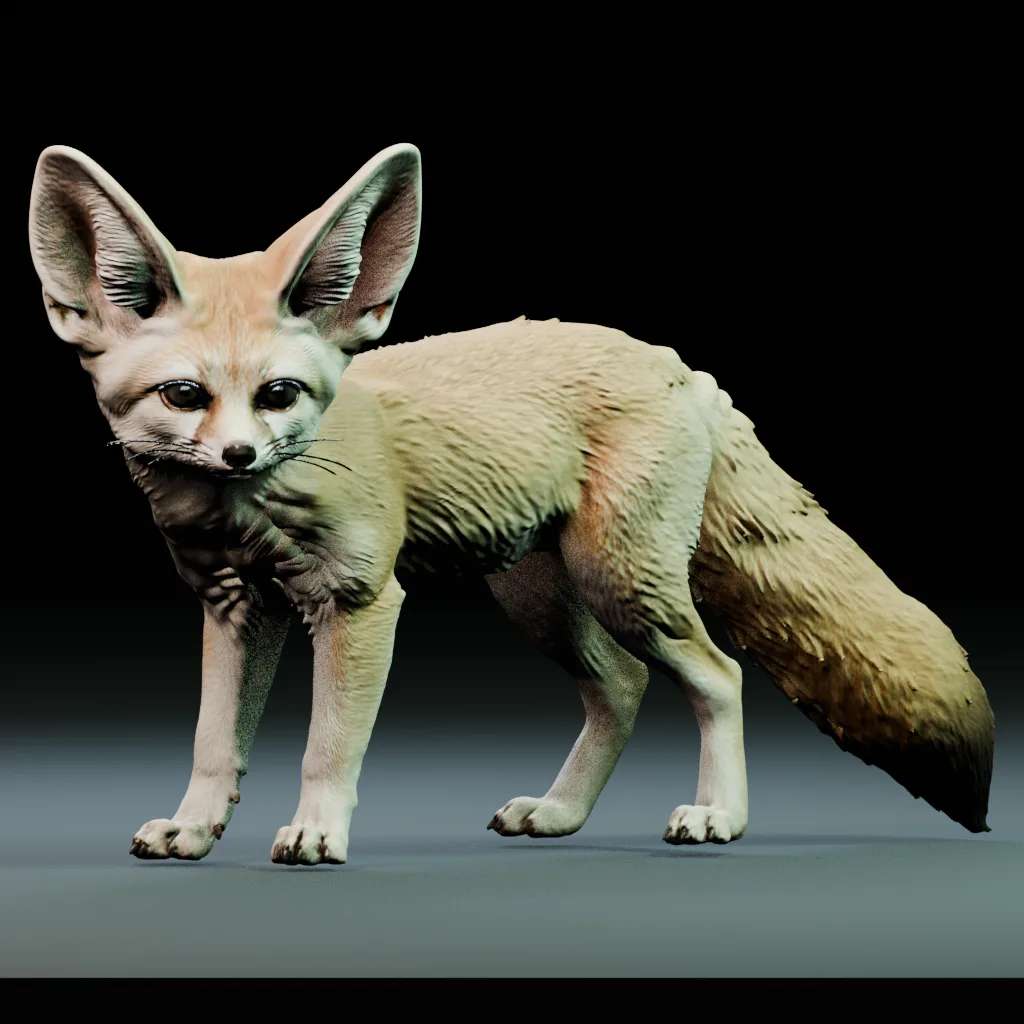
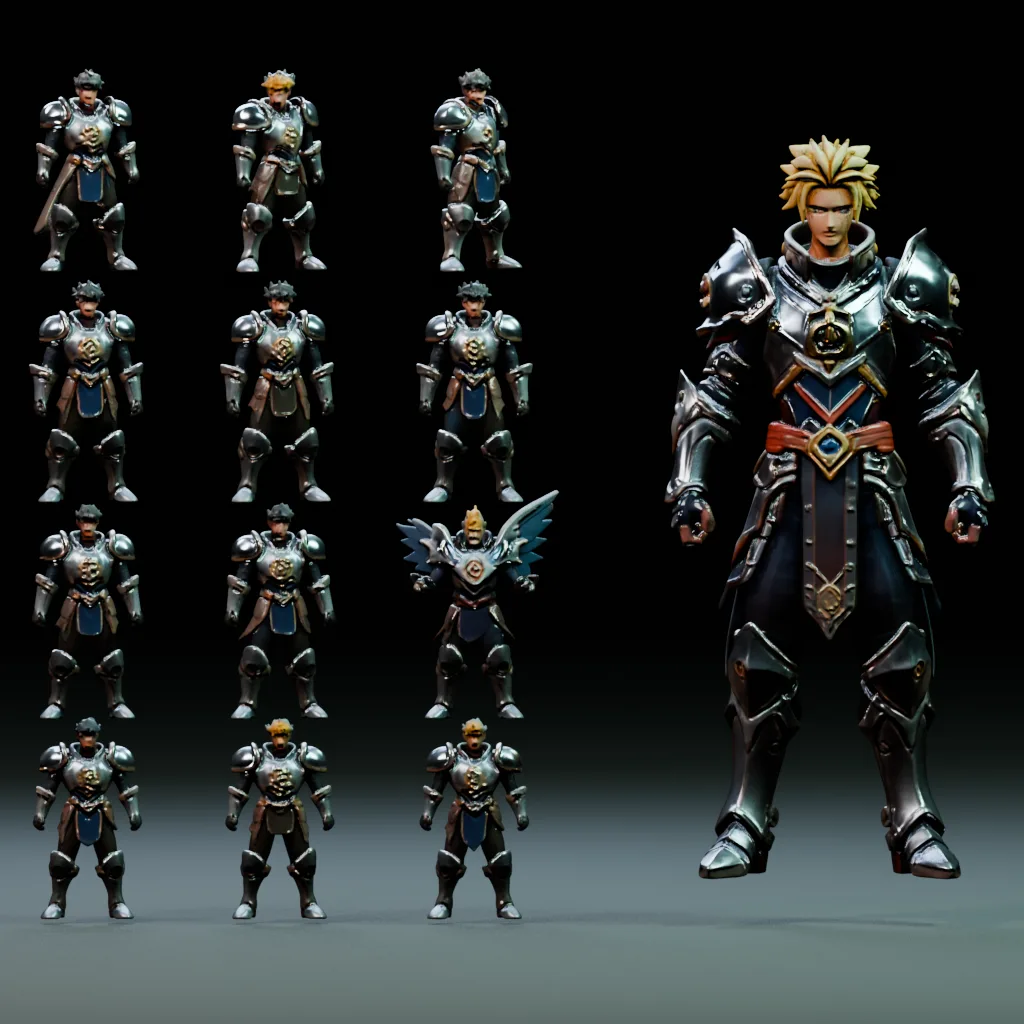
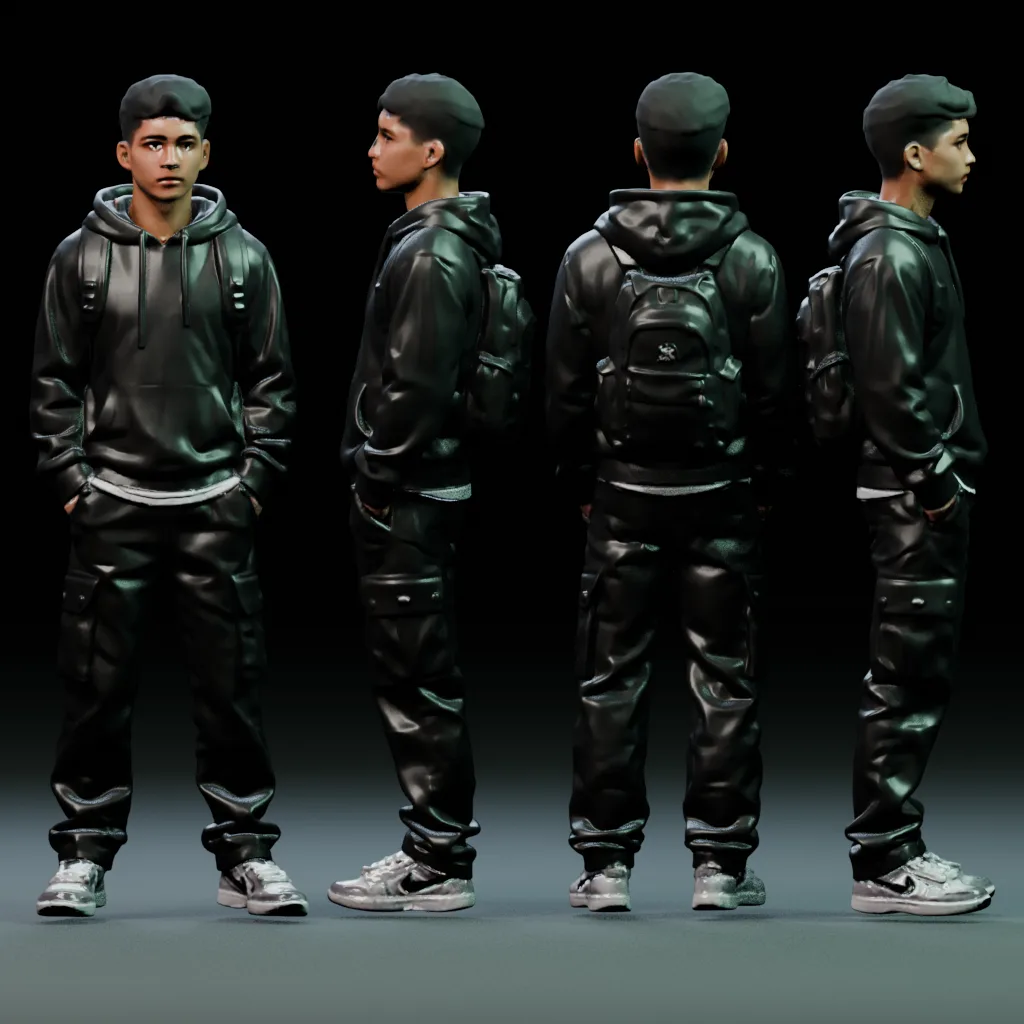
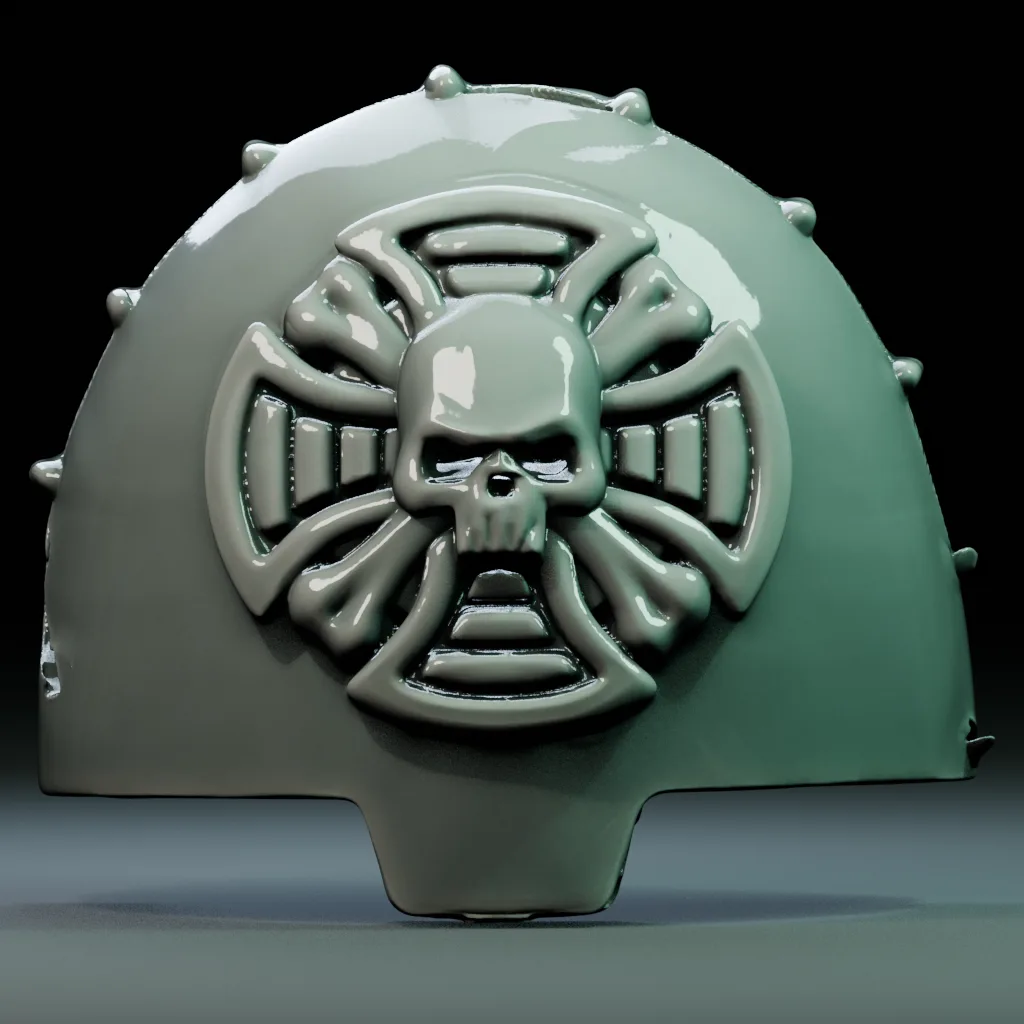
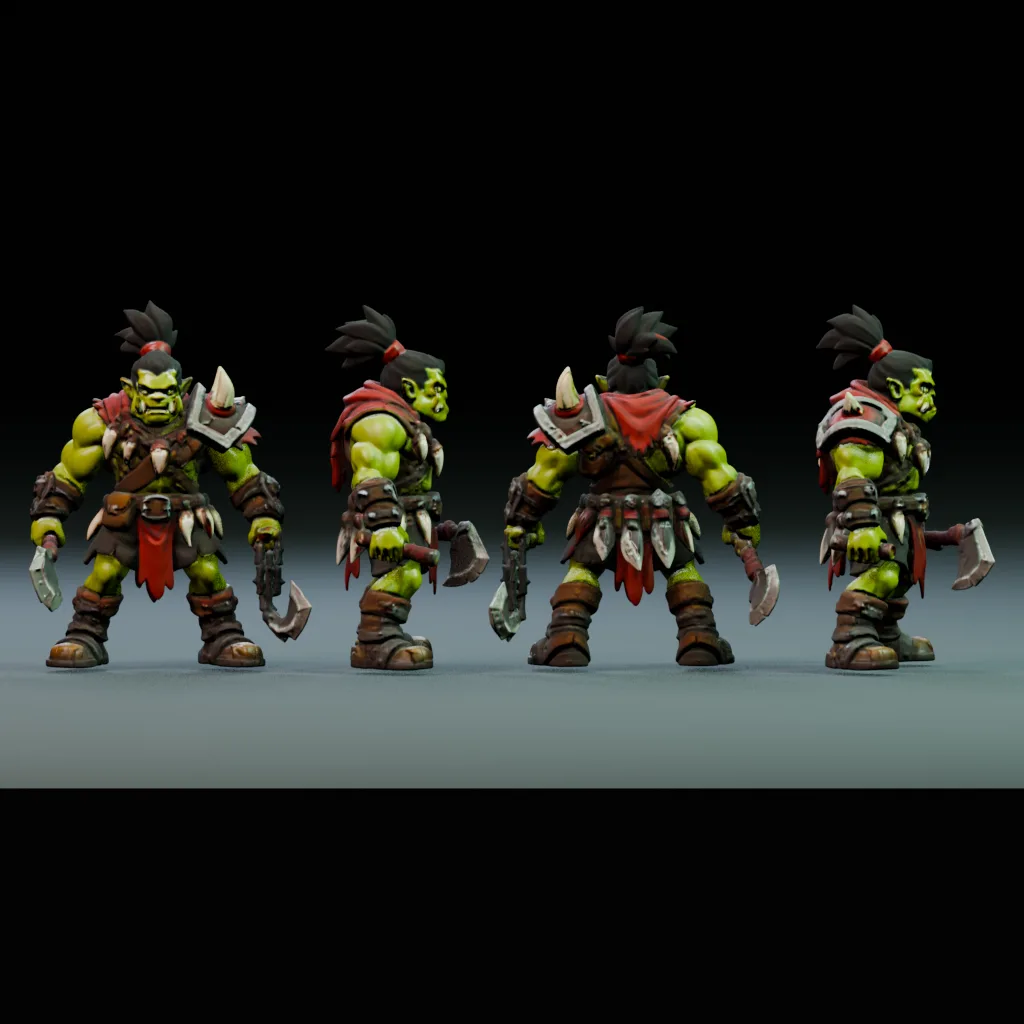
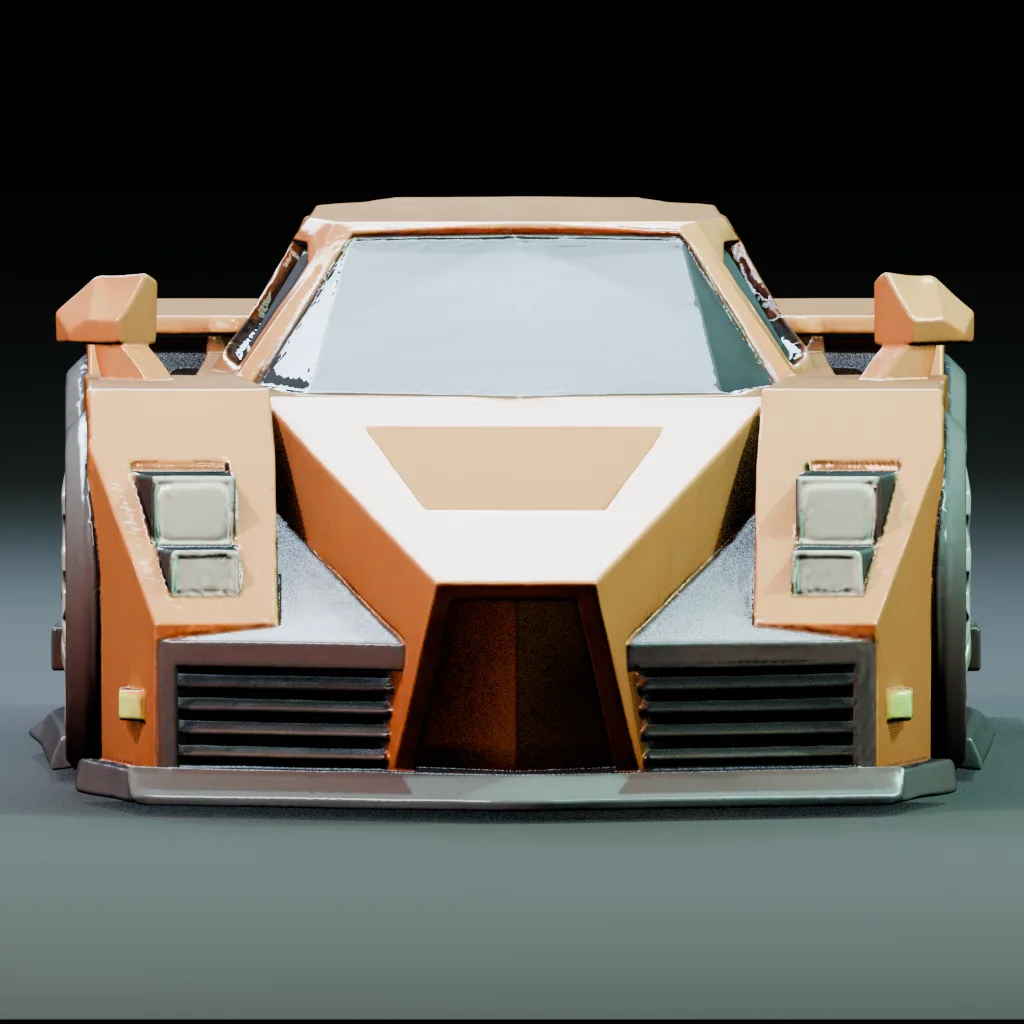
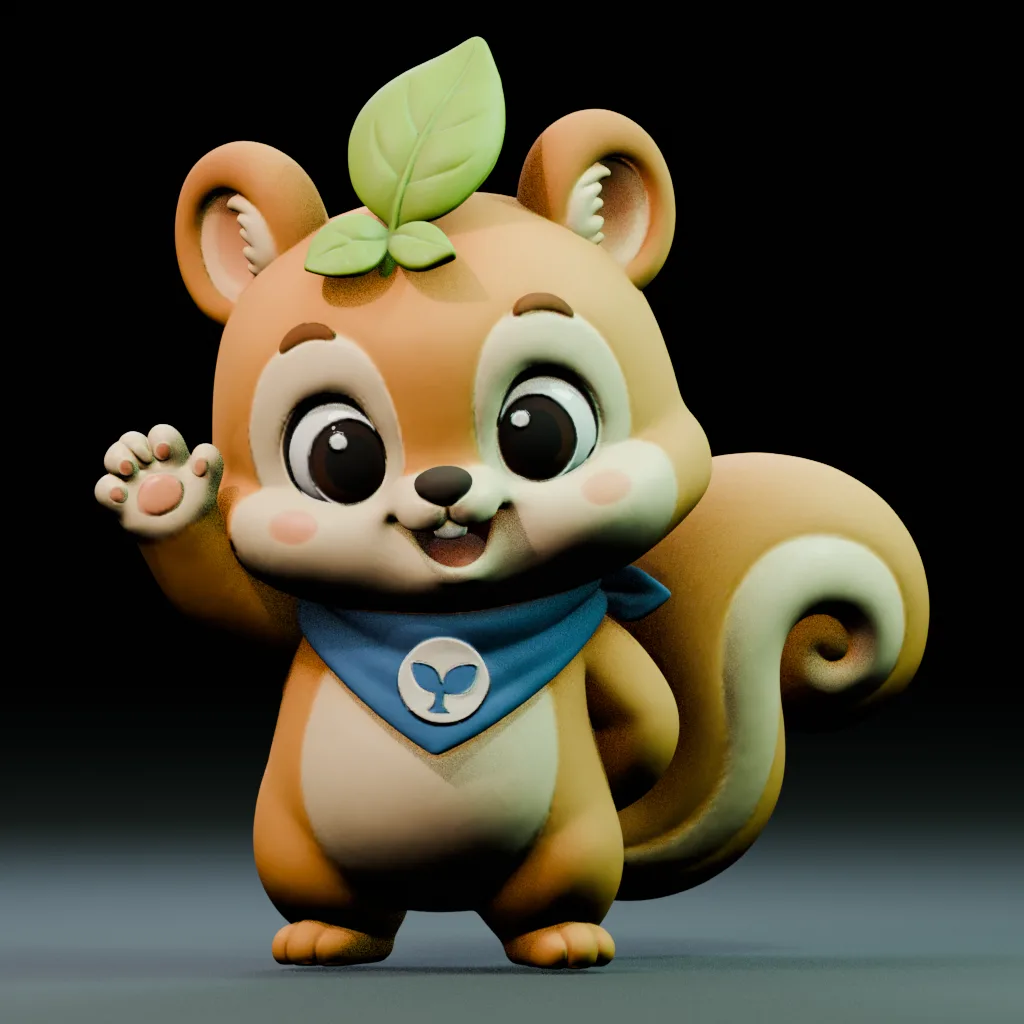
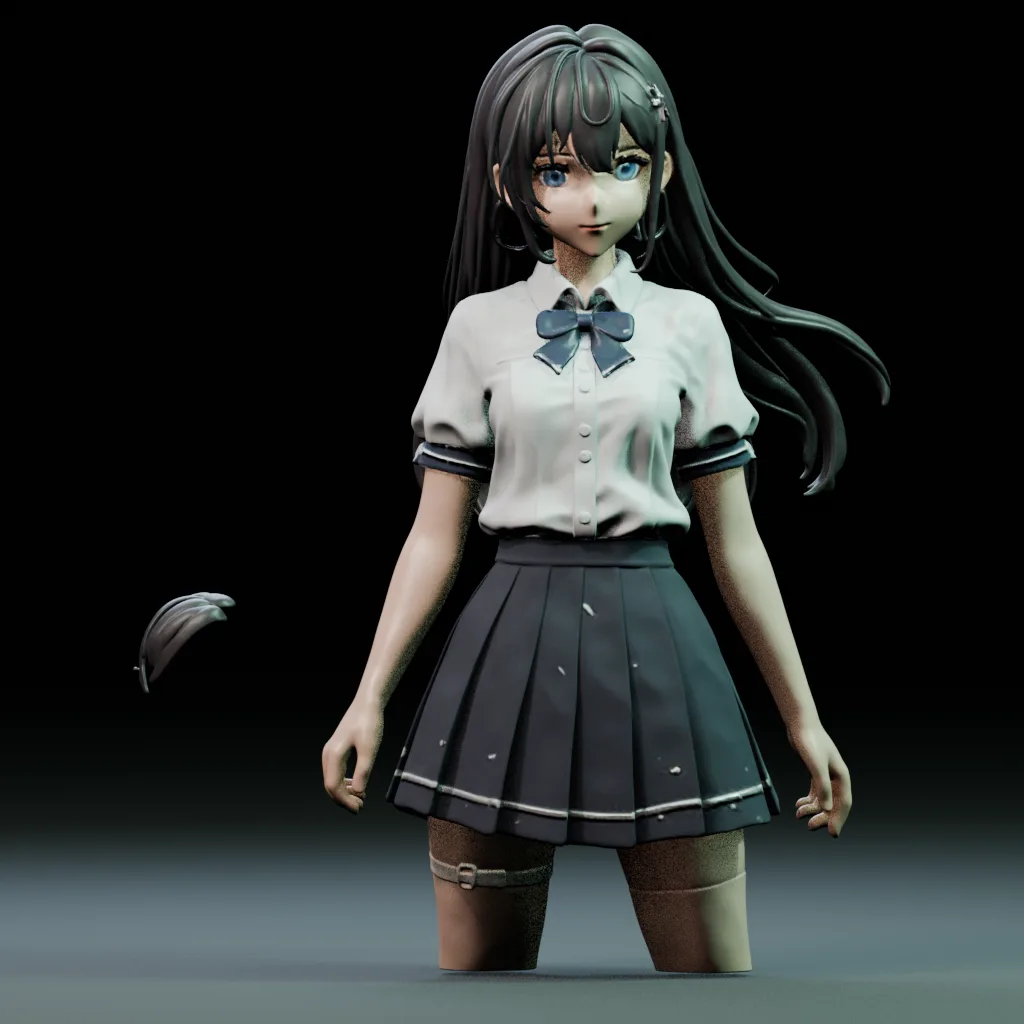
What is the Goblin3D AI 3D model generator?
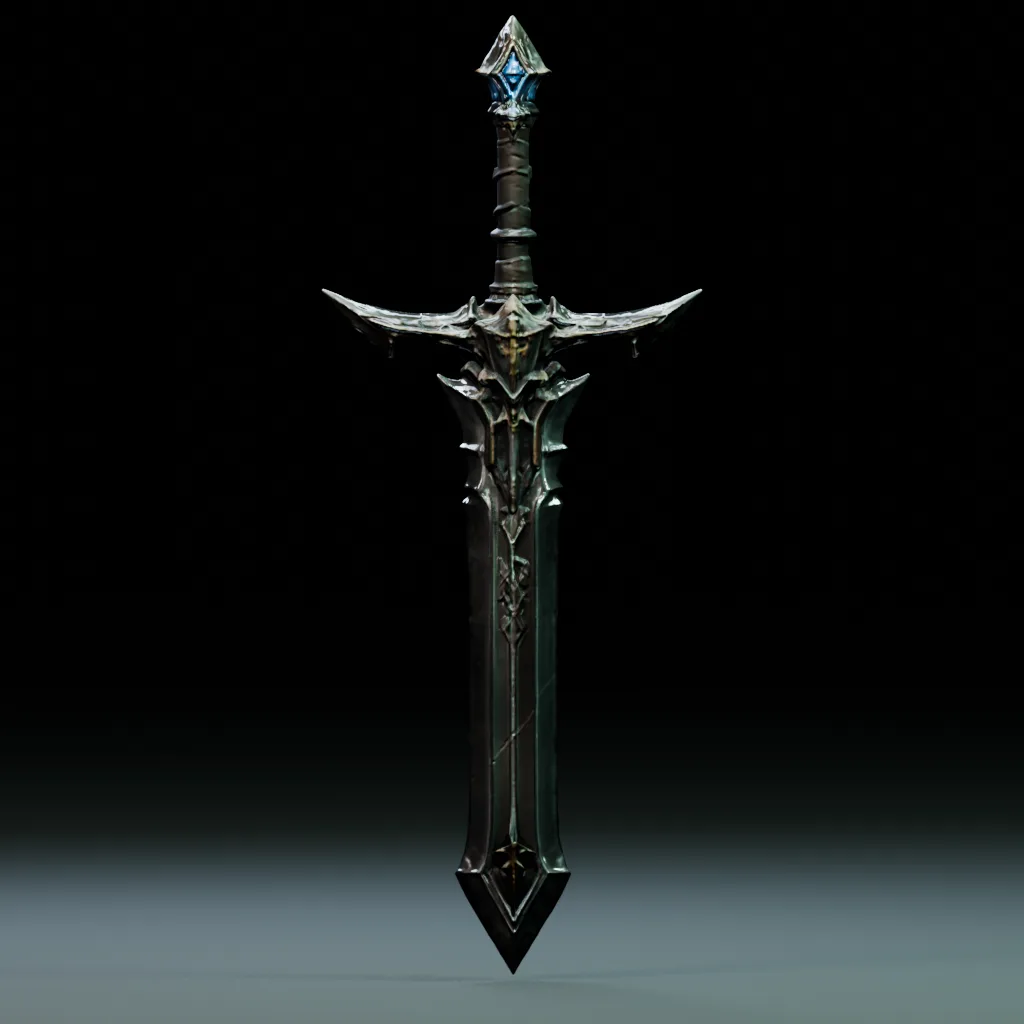
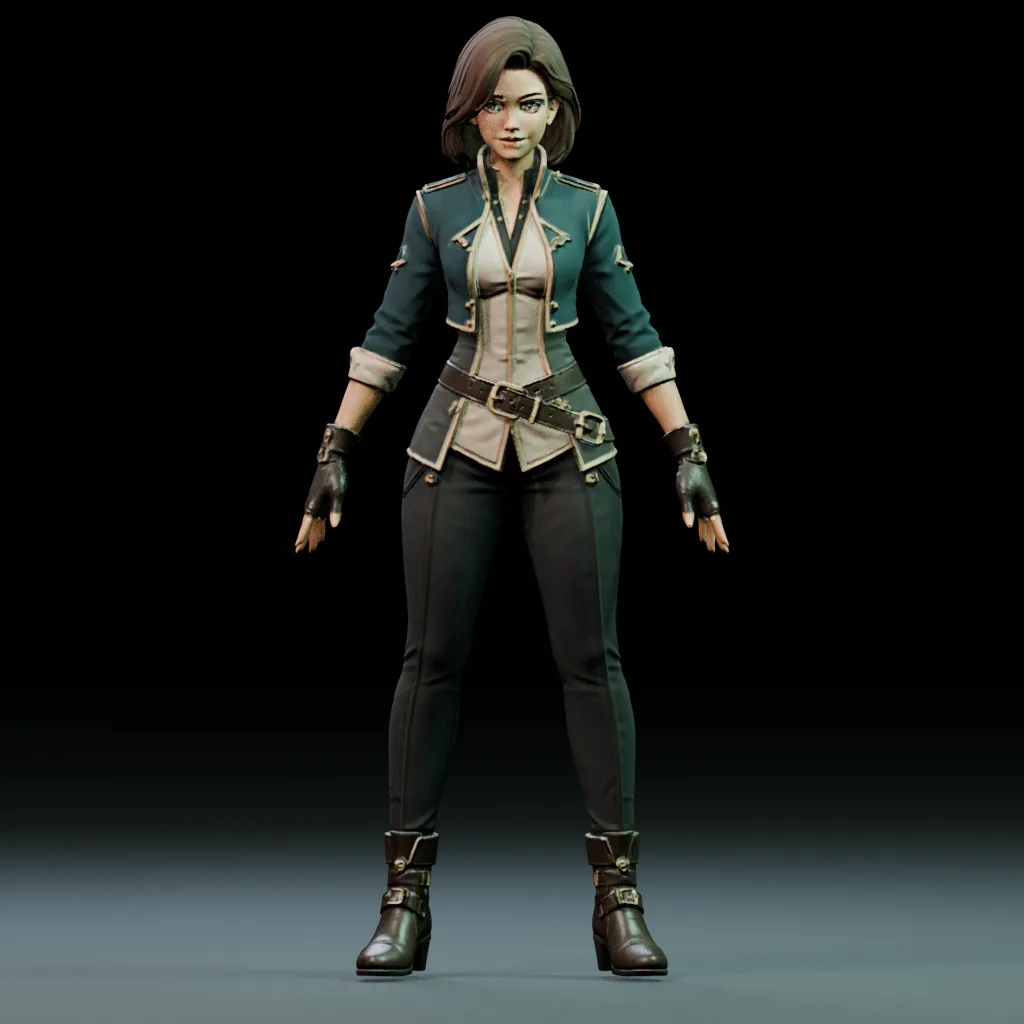
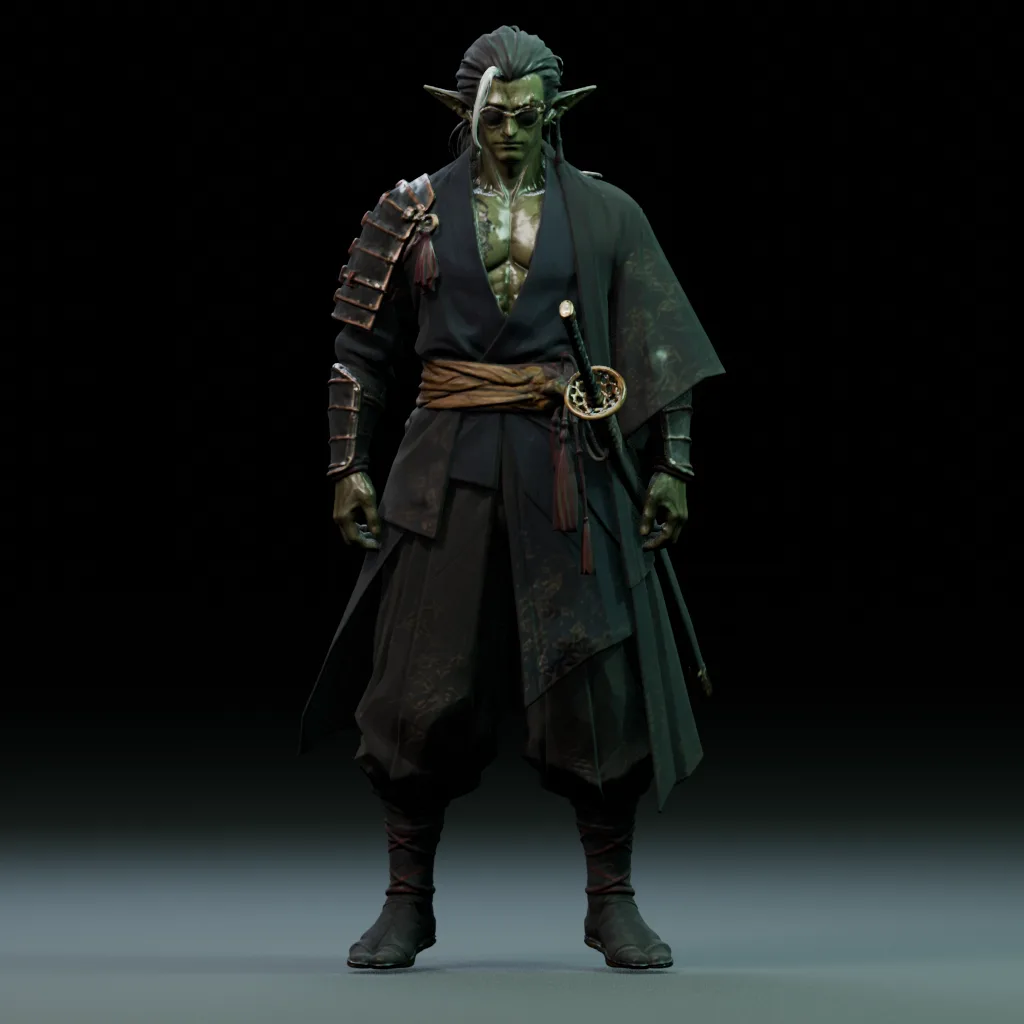
Goblin3D is a browser-based AI asset tool for making 3D models from images and text and creating 2D game sprites. Choose HD or low-poly models and apply rigging and animation to supported characters. Use it for game assets, product visualization, and early models for video projects.
How do I turn a photo or sketch into a 3D model?
Upload a PNG, JPG, or WebP reference in the image-to-3D workspace, then choose a model and supported options. A clear subject with a simple background is a useful reference. Paid plans also support multi-view generation using images from multiple angles.
Can I create a 3D model from text alone?
Yes. Describe the subject, shape, materials, and style in a text prompt. Include the features that matter, such as a character’s outfit or a weapon’s material. Inspect the result and adjust your description to explore more versions of a character or game prop.
Should I choose an HD or a low-poly model?
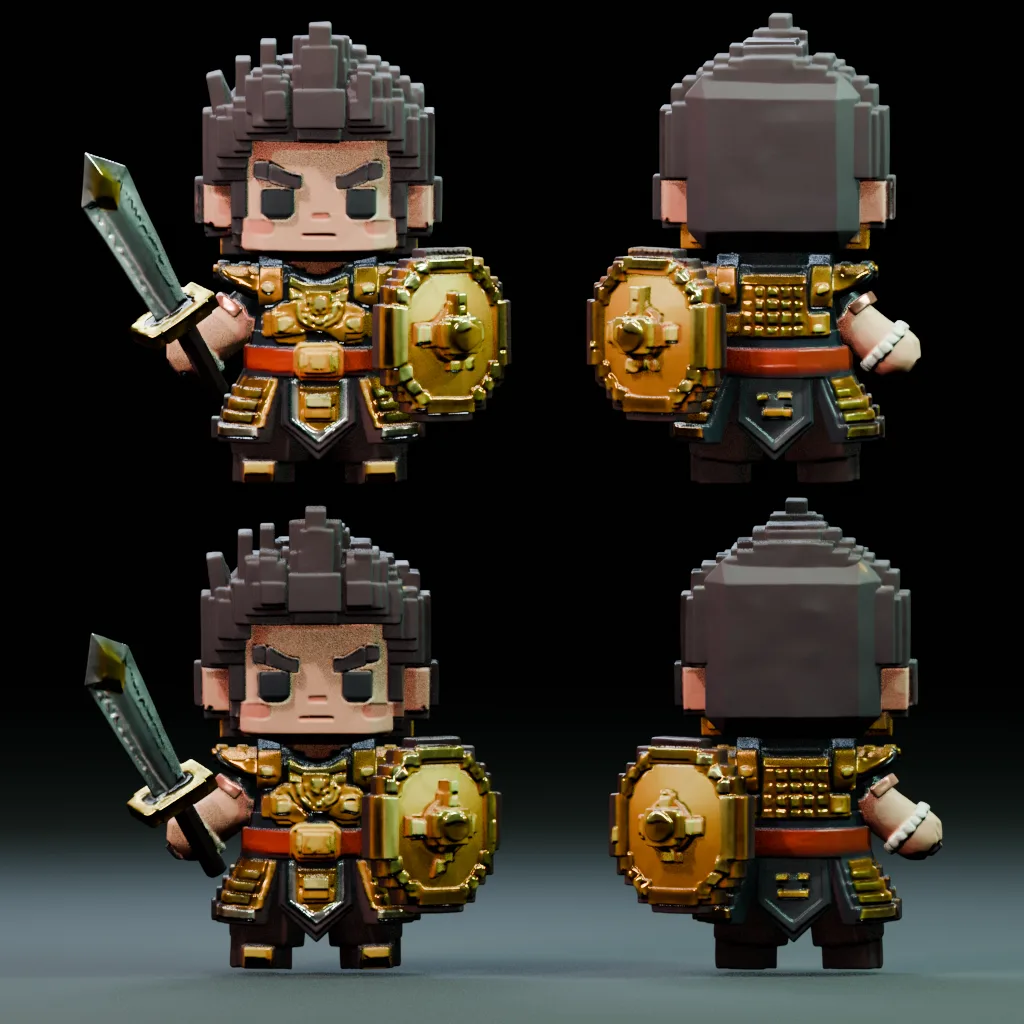
Choose HD when you want more detail in a character, product, or prop. Choose low poly when you want to explore a lighter shape and style for a game. Inspect the polygon count, materials, and silhouette, then carry out the editing and optimization your project needs.
Can I rig and animate a generated 3D character?
Yes. Select a supported character in the workspace, apply auto rigging, and choose a motion from the animation library. Eligibility depends on character structure, pose, face count, and other requirements. Preview the motion before exporting a supported GLB or FBX file.
Can I create 2D sprites and sprite sheets with AI?
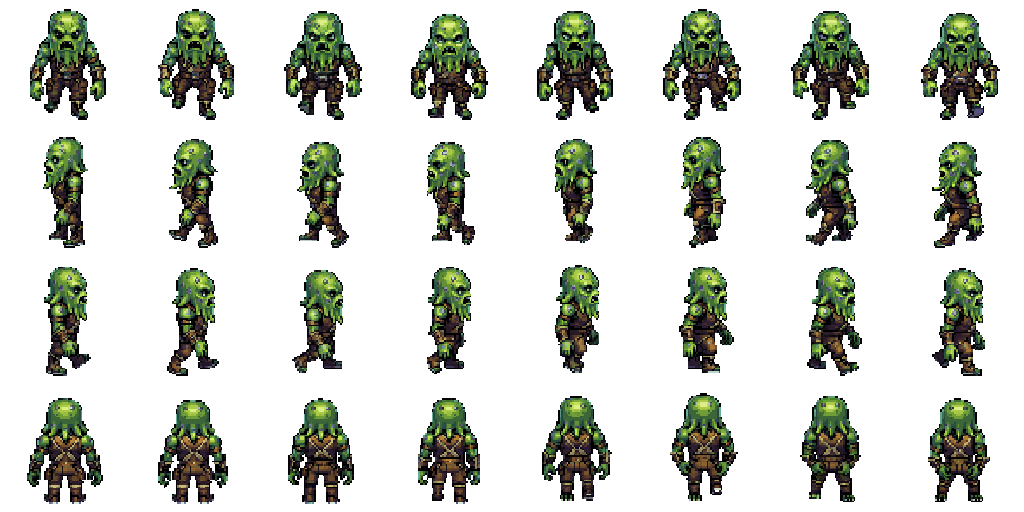
Yes. Start from a prompt or reference image and build idle, walk, and custom animations in four or eight directions. Preview each direction, regenerate selected views, and edit pixels and pivots. Export PNG or WebP sprite sheets, JSON metadata, or a ZIP bundle.
Which file formats and creation tools can I use?
Plans with downloads provide GLB, OBJ, and FBX model exports; availability depends on the model and processing stage. Animations use GLB or FBX, while sprites support PNG, WebP, JSON, and ZIP. Import compatible files into Unity, Godot, Blender, or other tools and configure them for your project.
Is there a free plan, and can I keep models private?
The Free plan lets you try generation. Free-plan models are public and listed in Community, while source images and prompts stay private. Downloads, multi-view generation, and private models are paid-plan features. Check the pricing page for the current credit allowance and included features.
Where can I find my completed models?
Sign in and open My Assets on the right side of your workspace to see your models and job status. Open a completed model to inspect its shape and materials and continue to supported follow-up tools or downloads. Public work also appears in Community; private models are excluded from public listings.
Can I use the models for product design or 3D printing?
Use generated models to visualize product shapes or create early drafts of figures and props for 3D printing. Import a model into an editor to refine it for its purpose. Before printing, check closed surfaces, size, and thickness in an editor and slicer, and make the changes the print requires.