
What can I create with Goblin3D?
Create textured 3D assets from text or images, or directional pixel-art sprite sheets with preset and custom animations.
Shape a reference into 3D, start from a sentence, or build a complete animated sprite set.
The destination is the same: an asset you can preview, refine, and move into your game.
Upload a concept, sketch, or clean reference. Use one view for speed or multiple views for stronger shape control.
Explore Image to 3D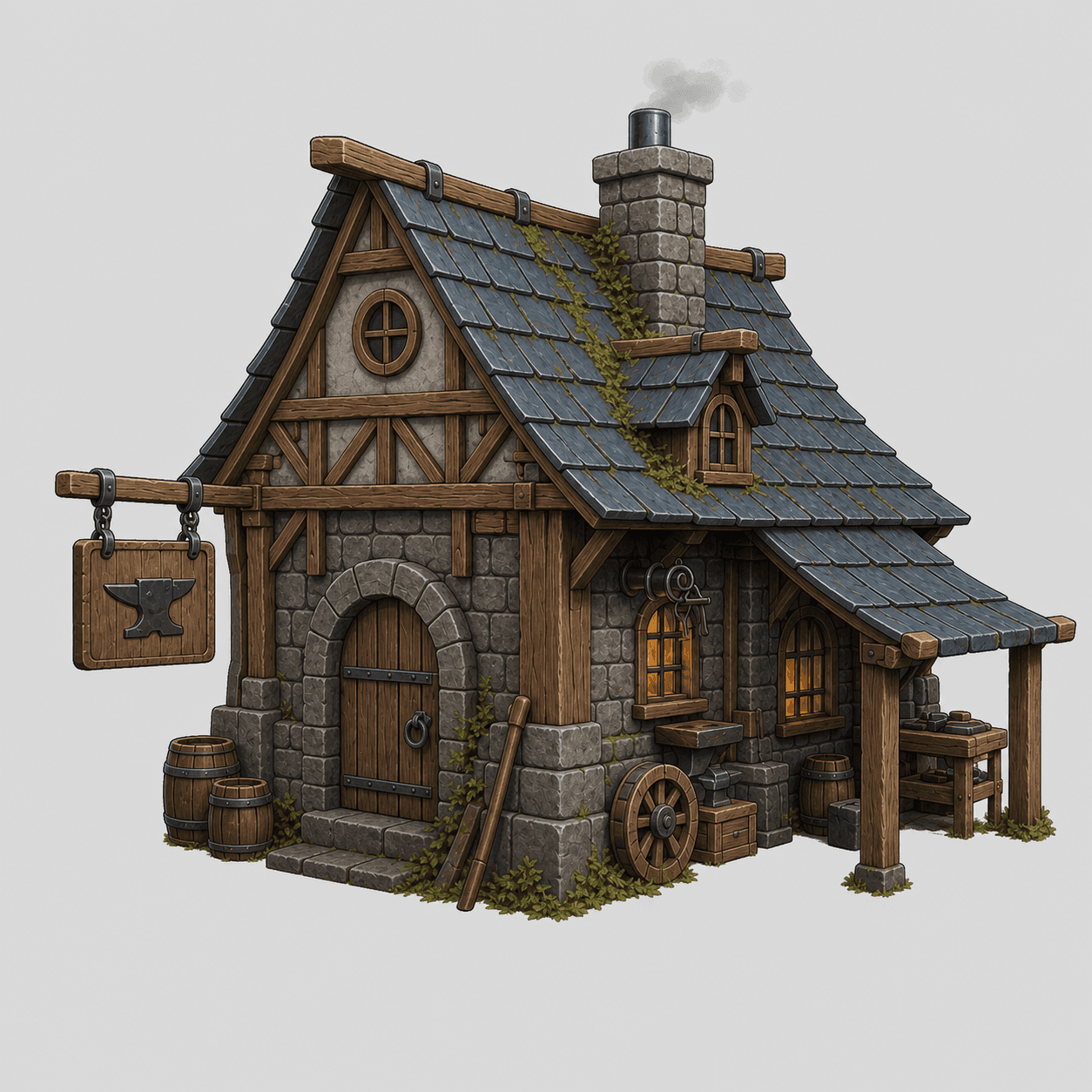
An ornate crescent glaive in blackened steel and silver filigree, with emerald crystal accents.
 Weapon reference
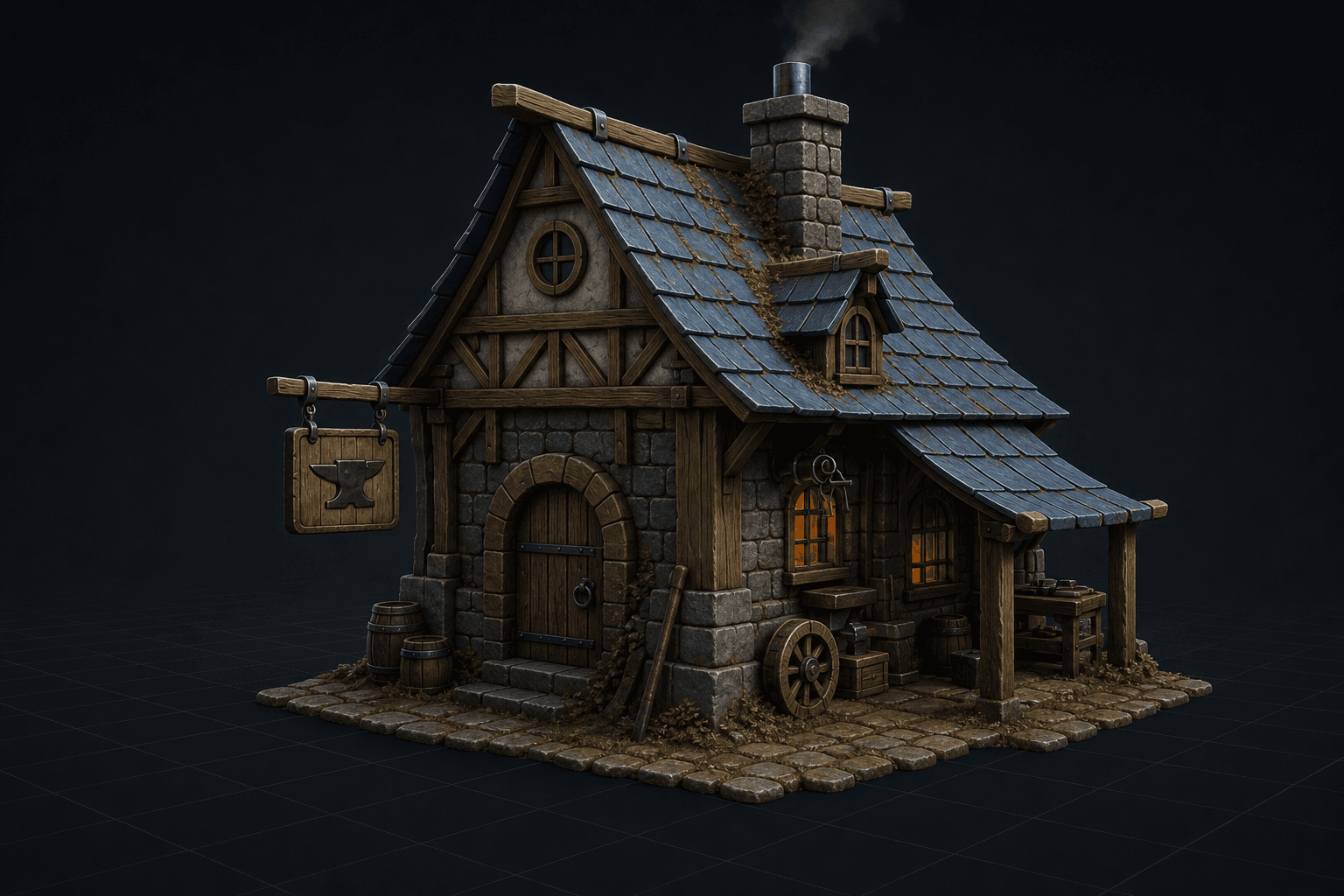
Describe the silhouette, material, and style. Goblin3D creates a focused reference before building the model.
Explore Text to 3DBuild a consistent pixel-art character, generate four- or eight-direction preset and custom motions, then refine and export the sheets.
Explore Sprite Generator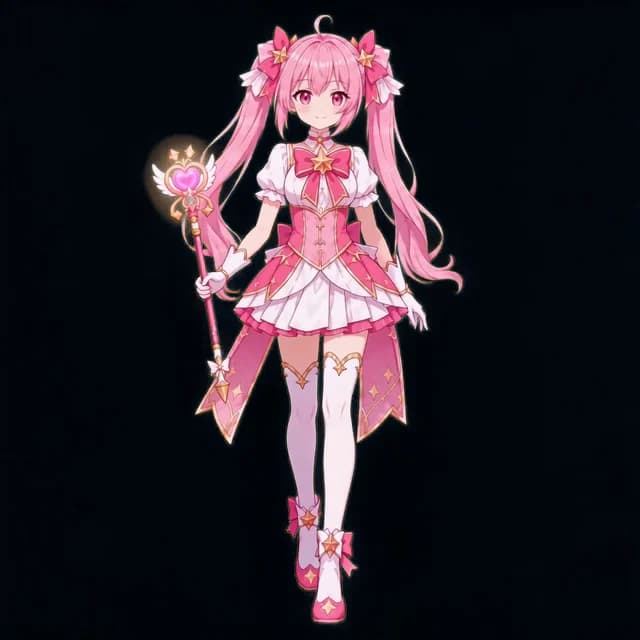
Learn how to describe an asset clearly, export files and metadata, and connect them to an AI-assisted Unity or Godot workflow.
Explore Vibe CodingEvery path opens in the same workspace, so you can move from an idea to a usable result without breaking your flow.
Open WorkspaceGoblin3D at a glance
Goblin3D is a browser-based AI workspace for turning images or text into 3D models and creating directional pixel-art sprite sheets.
Start from text, a reference image, or a character idea.
Pick the 3D or sprite workflow that matches the result you need.
Preview the output, refine it, and export a supported file format.
Create textured 3D assets from text or images, or directional pixel-art sprite sheets with preset and custom animations.
No. The 3D tools create models; Sprite Generator creates animated 2D sheets and metadata.
Paid plans provide GLB, OBJ, and FBX exports. Sprite exports include PNG, WebP, JSON, and ZIP.
Use Image to 3D for a visual reference, Text to 3D for a written idea, and Sprite Generator for an animated 2D character.