
Does a text prompt become a 3D model immediately?
Goblin3D first creates a focused reference image from the prompt, then uses that image to generate the 3D model. The intermediate reference makes the intended shape easier to inspect.
Turn a clear text prompt into a focused reference and a textured 3D asset.
Start with a prompt Character example
A deliberate three-step flow keeps the model grounded in a readable visual reference.
Define the object, silhouette, materials, and game style.
Generate a clean reference image shaped for 3D reconstruction.
Choose HD or Low Poly and turn the reference into a model.
Shape a humanoid, a creature, or a weapon with the same focused reference-first workflow.
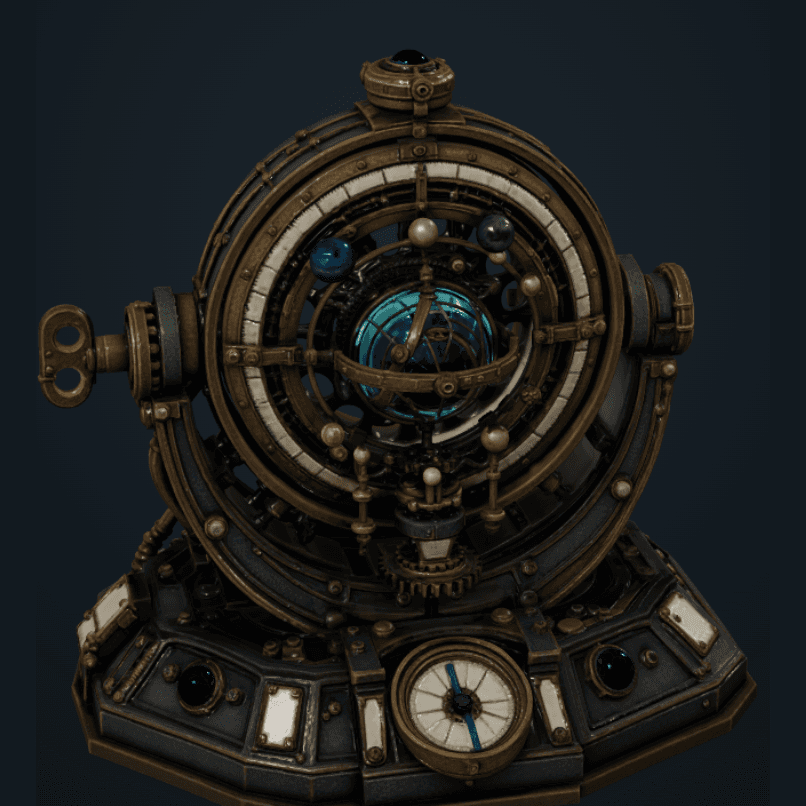
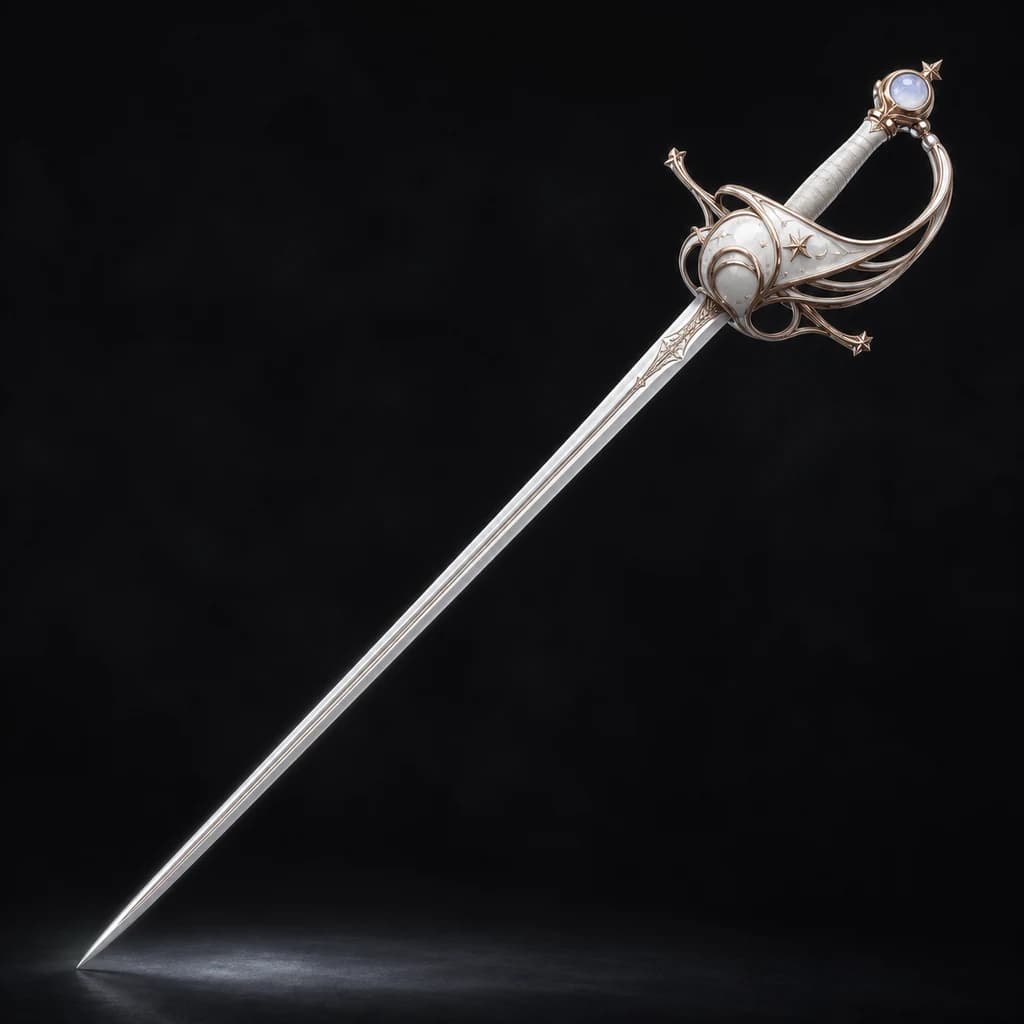
Keep the detail, or keep the mesh light. Choose based on where the asset will live.
Describe the asset, choose a path, and keep creating in Workspace.
Start with a promptDirect answer
Goblin3D turns a written asset description into a focused reference image, then uses that reference to build a textured 3D model. Choose HD for more detail or Low Poly for a lighter real-time asset.
State the object, silhouette, materials, visual style, and important details.
Goblin3D creates a readable image to ground the 3D reconstruction.
Choose HD or Low Poly, preview the result, and export when it is ready.
Goblin3D first creates a focused reference image from the prompt, then uses that image to generate the 3D model. The intermediate reference makes the intended shape easier to inspect.
Describe one main subject, its silhouette, materials, proportions, visual style, and details that must remain recognizable. Clear, concrete descriptions produce a more readable reference.
HD prioritizes surface and geometry detail. Low Poly aims for a lighter model for real-time scenes. Always verify performance in your own project.
Paid plans provide GLB, OBJ, and FBX exports for compatible 3D tools and game engines.