
Key takeaways
- Audit the environment and evaluator before treating a game-playing demonstration as reproducible.
- Control-time coverage and end-to-end response latency are different quantities.
- Keep outcomes, seeds, timing mode, and failure replays in a versioned run record.
FLUX 3 Action is worth studying if you are building a game-playing agent, especially for its observation-and-action loop. Before planning a game-testing integration, check whether you can reproduce the environment, control timing, and scoring. The useful next step is a small, repeatable evaluation harness with explicit failure cases; a successful gameplay clip alone cannot establish that it will test your game reliably.
What the September release actually gives game developers
Black Forest Labs announced FLUX 3 Action on September 23, 2026 as a 7B open-weights world action model. Its game examples are GRUNT, a small shooter, and VECTOR, a road racer. The announcement reports task-specific training and a shared game checkpoint guided by a caption. Those examples are about choosing game controls, not generating a finished game or its 3D assets.[1]
The public repository provides training and inference code. The base model card describes adaptation weights and shared encoders, rather than a complete ready-to-play game policy. Start by reading those resources and the game recipe; do not budget the work as a plug-in NPC or a turnkey test runner.[5][4]
Read the game results at their actual scope
BFL reports 60-second comparisons using one held-out seed per game. That is a narrow demonstration setting, not a distribution of outcomes across your levels, cameras, or art styles. Treat it as motivation for an experiment. Decide what your own agent must accomplish and which failures would make it unsuitable before collecting a score.[1]
For a racing prototype, a useful evaluation question could be: can the controller finish a fixed route without leaving the track after the road texture changes? Keep route completion, off-track events, crashes, and timeouts as separate outcomes. A visually convincing lap should not hide a collision or a missed objective. This is a proposed test design, not a result obtained for this article.
Separate prediction length, executed actions, and compute time
The inference documentation distinguishes a 32-action game plan from how much of it is executed: the saved training configuration uses eight actions, while the shooter playback experiment uses two, at 15 Hz. It also warns that synchronous inference can delay a control tick. Fresh observations do not replace commands already queued by select_action.[3]
| Actions executed | Calculation | Control time covered |
|---|---|---|
| 2 | 2 ÷ 15 seconds | 133.33 ms |
| 8 | 8 ÷ 15 seconds | 533.33 ms |
| 32 | 32 ÷ 15 seconds | 2,133.33 ms |
These are arithmetic values, not measured response times. The downloadable evidence file includes the inputs, formula, and unrounded results. For your game, measure from frame capture to applied command as well as plan computation. Record whether the simulation pauses during inference. If the world continues moving, also record how old the observation is when its command takes effect.
A shorter execution slice is a variable to test, not a universal quality setting. Change it while holding the checkpoint and scenario suite fixed, then compare failures and deadline misses. Separately, the current inference API returns actions only; it does not expose decoded predicted video frames. Do not plan a video-preview feature around the broader announcement wording.[3]
Build the environment contract before judging the agent
Farama Foundation’s Gymnasium offers a useful interface reference even if your game uses another stack. Its Env API separates reset, step, observation and action spaces, and two ending signals: terminated for task-defined endings, and truncated for external cutoffs. In your report, a win, a death, and an imposed time limit should remain distinguishable.[7]
If you implement a Gymnasium adapter, run check_env when constructing it and in continuous integration, as Farama recommends. It checks spaces and exercises reset, step, and render. Passing that check establishes interface compliance; it does not prove gameplay correctness, good policy behavior, or adequate test coverage.[8]
- 1
Pin a complete run manifest
Save the game build, checkpoint identifier, task instruction, preprocessing, action decoder, hardware, and timing mode. A comparison becomes difficult to interpret if any of these change unnoticed.
- 2
Define the scenario suite
Include ordinary play and cases important to your game: a blocked route, a restart, a camera change, or a low-contrast object. Reserve evaluation scenarios from training and run each controller on the same suite.[2]
- 3
Make randomness traceable
Record environment seeds and any controller randomness separately. Gymnasium documents both reset seeding and action_space.seed for reproducible random-action sampling; one does not automatically configure the other.[7]
- 4
Preserve the failure evidence
Keep per-run outcomes and short replays for crashes, stuck states, missed goals, invalid controls, and timeouts. Decide in advance what counts as a failure rather than changing the rule after a striking run.
- 5
Measure usefulness to development
For a testing tool, count actionable, reproducible defects and review effort as well as gameplay success. For a player-facing character, add responsiveness and behavioral design criteria. These are different acceptance decisions.
Use the source audit and blank run record
The evidence download contains an original source-to-requirement audit, the three control-time calculations, and a blank evaluation record. Each audit entry identifies a public source and separates the documented fact from our proposed follow-up. Measurement fields remain null because no model or game was run for this guide. Use the record to make the next experiment inspectable, rather than copying reported scores into your own results.
Check licensing and keep the claim boundary clear
The source repository uses Apache-2.0, while the base weights use the separate FLUX Kommunity License v1.0. The weight license has qualifying-user and use restrictions, so “open weights” should not be read as unconditional commercial permission. Review the exact license for your intended integration before downloading or using the model.[5][6]
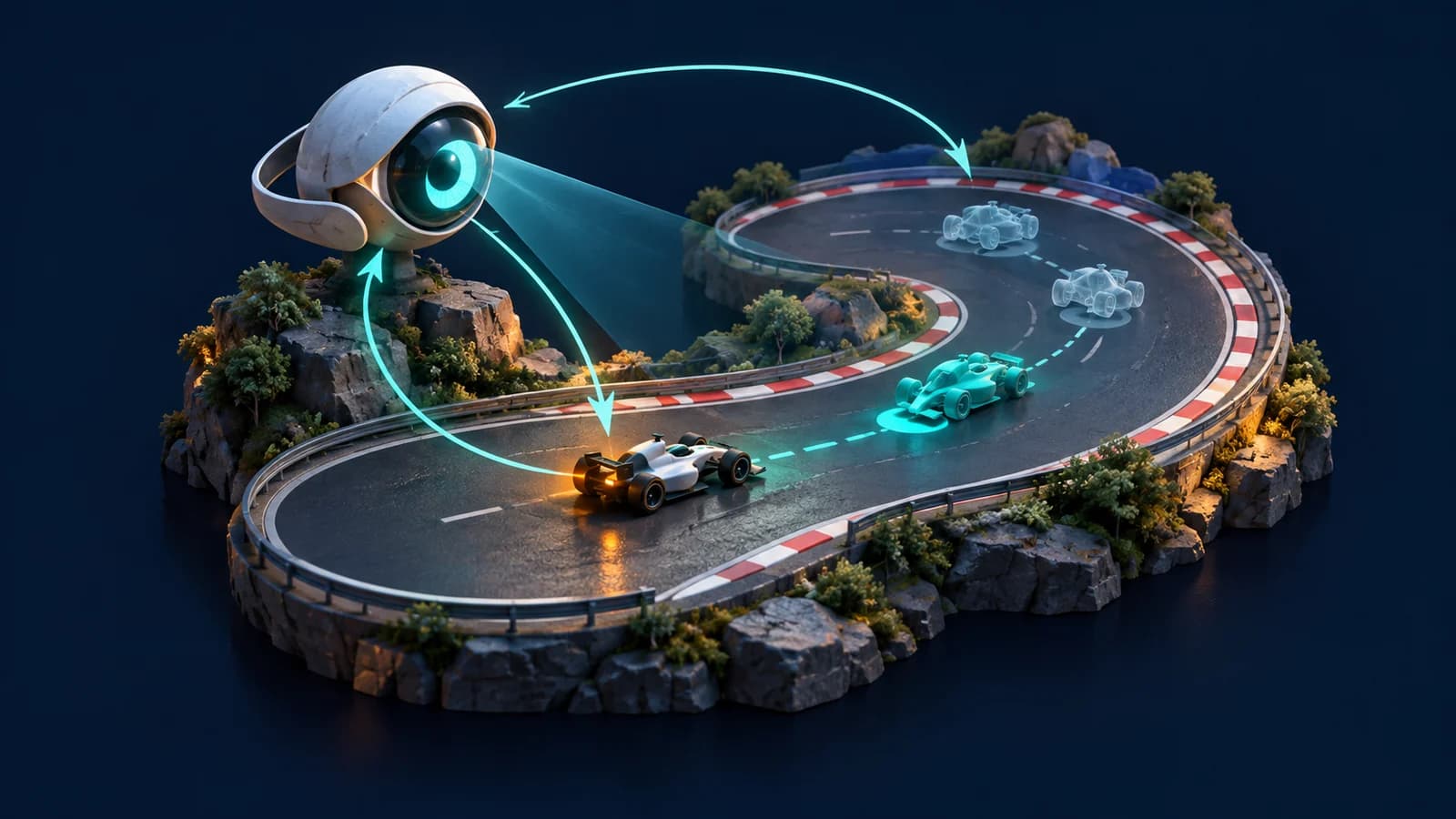
This is a documentation-based evaluation guide. It reports no independently reproduced FLUX score, training run, game-engine test, or Goblin3D generation. The illustration is explanatory artwork. Start with the harness and one narrow question; expand only when the logs show that the agent solves the development problem you actually have.
Evidence used
- Game-agent source audit, timing calculations, and blank run record
Original source-linked requirement mapping and reproducible arithmetic; all proposed run measurements are null, not benchmark results.
Sources
- 1.FLUX 3 Action: a world action model you can fine-tune — Black Forest Labs. Accessed 2026-10-02.
- 2.Example: FLUX 3 Action plays video games — Black Forest Labs. Accessed 2026-10-02.
- 3.Run FLUX 3 Action — Black Forest Labs. Accessed 2026-10-02.
- 4.FLUX 3 Action Base model card — Black Forest Labs. Accessed 2026-10-02.
- 5.FLUX 3 Action source repository — Black Forest Labs. Accessed 2026-10-02.
- 6.FLUX Kommunity License v1.0 — Black Forest Labs. Accessed 2026-10-02.
- 7.Gymnasium Env API — Farama Foundation. Accessed 2026-10-02.
- 8.Gymnasium environment checking — Farama Foundation. Accessed 2026-10-02.
Build a testable prototype
Keep gameplay, rendering, and asset decisions separate while you plan one small browser-game experiment.
Read the browser-game guideRelated Goblin3D guides and tools
Sources, product facts, and original evidence were checked before publication.