
Key takeaways
- A valid file hash does not prove that a preview represents the current scene.
- Check per-view completion and warnings before handing off the selected frame.
- Unknown video freshness is a separate state, not evidence that a reference is current.
Check the scene, the preview and the handoff separately
Before using a Topview 3D Builder preview as an AI-video reference, confirm that it belongs to the intended project and current scene, that the requested view checks and renders completed, and that you reviewed the exact image being handed off. A matching file hash alone cannot tell you whether the scene is current or the shot looks right.
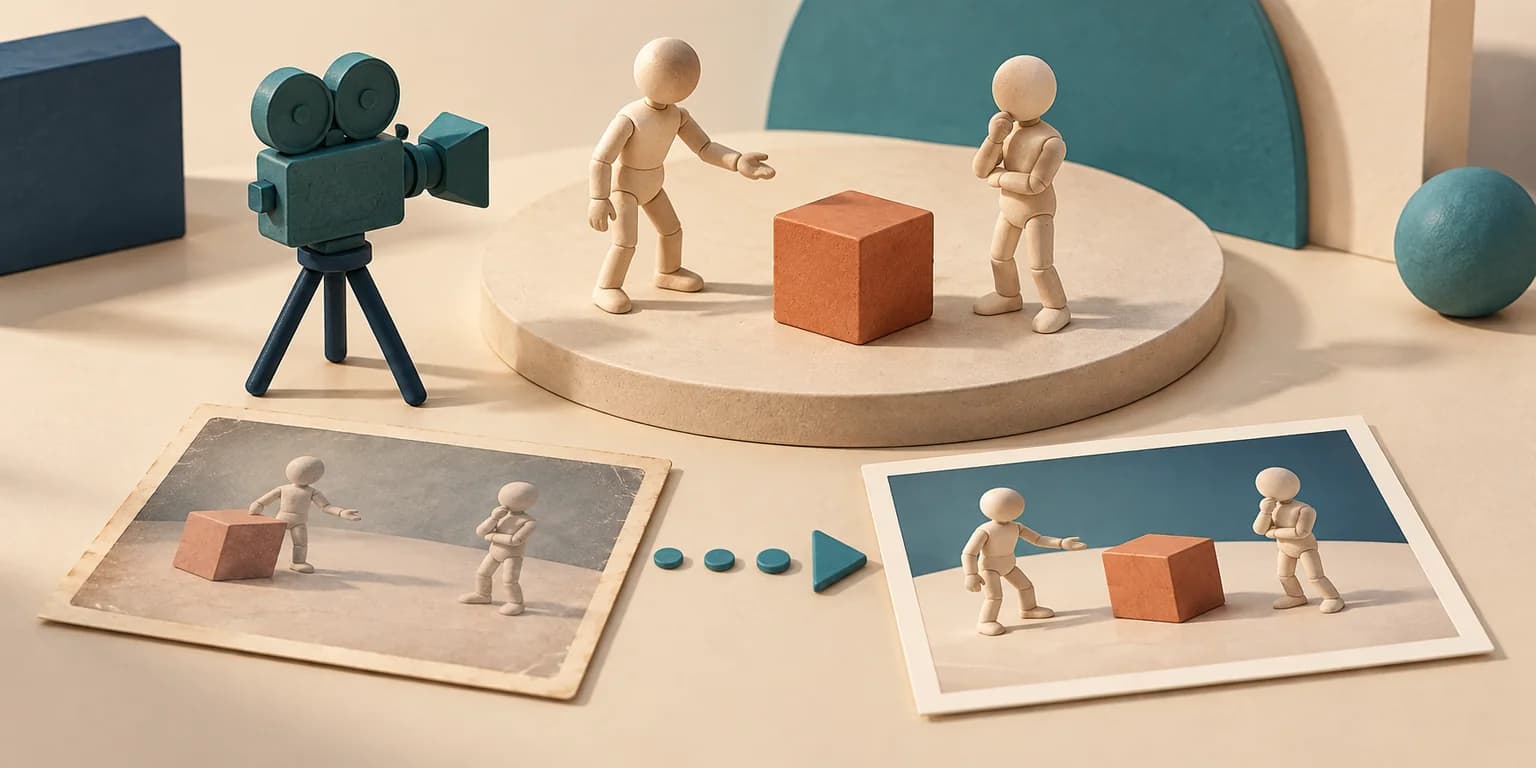
Topview announced its open-source 3D Builder on X on October 15, 2026. The useful workflow is to arrange a scene before taking its frames or animation into a video model. This guide examines the repository at commit 631c08c8fd352b4ff83df33aa9a74a4563f4674b and adds an original offline handoff exercise. We did not run Topview’s renderer or generate a video.[1][2]
Establish which installation and project you are checking
The inspected README requires Python 3.11 or later, Node.js 20.6 or later, and uv or pipx. Use the installation instructions for your agent and compare your installed CLI with the pinned reference; a newer source document does not prove an older installed package supports every command.[2]
The CLI contract separates browser preparation from rendering: browser ensure installs the pinned browser components, while render fails if the browser is absent. For a scripted readiness check, doctor --json always exits successfully; inspect its ok field. A zero process exit from that command is not evidence that all dependencies passed.[3]
Keep a project identifier alongside each handoff. The CLI maintains sceneSequence within a project, increasing it for accepted operations. Two unrelated projects can have the same sequence number. Our recommendation to bind a project identity as well as a sequence is a workflow safeguard, not a claim that the CLI issues globally unique scene identifiers.[3]
Re-render after edits, then inspect the requested views
Use document get to inspect the current sceneSequence and renders list to locate preview runs. The latter marks a run stale when its saved sequence differs from the current scene. If you move a prop after a render, do not choose that older image merely because its filename looks recent or its composition is attractive.[3]
Next, use inspect views for the actual cameras and frames you intend to hand off. Its contract reports renderStatus per view, checksComplete and checksBlockedBy. It measures posed mesh bounds for grounding and target framing. A blocked or incomplete check needs attention even if one attractive contact sheet exists.[3]
| Question | Evidence to inspect | What it does not prove |
|---|---|---|
| Is this the current scene? | Current sceneSequence and the run’s stale status | That it is the intended project |
| Did the requested checks finish? | checksComplete, checksBlockedBy and each renderStatus | That the shot tells the intended story |
| Is this the intended file? | renders show for the chosen run and frame | That the file is current or visually correct |
| Was this video tied back to the scene? | sceneChecked and stale on its reference | Unknown freshness must not be read as fresh |
The contract distinguishes the camera target being out of frame from other nodes outside the frustum: the latter can be informational. Do not replace the documented checks with a rule that every object must appear in every shot. Still inspect occlusion, eyelines, silhouette, continuity and whether the intended subject remains readable.[3]
Check warnings too. A missing character or prop model fails rendering, but a missing motion can produce a warning while leaving the character’s pose or animation curves in place. A completed image therefore does not establish that the intended movement was available.[3]
Keep byte integrity separate from visual approval
renders show returns the path, size and verified SHA-256 for a selected contact sheet or frame. Record which run and frame you chose, then inspect that exact file. If a later step changes its bytes, repeat the appropriate check rather than transferring an earlier visual judgment to the replacement.[3]
Python’s hashlib computes a SHA-256 digest from bytes and exposes a hexadecimal digest with hexdigest(). The companion exercise uses that standard-library mechanism. Our interpretation is deliberately narrow: matching the expected digest helps detect a changed file; it does not assess framing, establish authorship, or authenticate someone’s approval.[5]
Reproduce the handoff decision with synthetic inputs
The downloadable handoff lab uses an explicitly custom normalized record, not Topview’s native response schema. It compares project identity, scene sequence, declared check completion, render completion, a byte digest and a declared human-review flag. Its tiny byte fixture is plain synthetic text, not a rendered image.
Save handoff_audit.py and test_handoff_audit.py together and follow the linked README. Run python handoff_audit.py --write-csv to reproduce synthetic-handoffs.csv, then python -m unittest -v test_handoff_audit.py. The exercise performs no network request, product installation or video generation.
Eight synthetic cases isolate common mistakes: a current ready preview, an older scene sequence, incomplete rendering, changed bytes, unknown video freshness, a different project with the same sequence, incomplete checks and missing declared review. Only the fully specified current image case is eligible under this educational rule. This is decision-logic evidence, not a measurement of Topview’s reliability.
Treat the fields as assertions supplied by a caller. The script cannot prove that someone actually reviewed a shot, that a reported check came from Topview, or that no edit happened after the check. For a real pipeline, build and test an adapter against your installed version, preserve provenance, and recheck immediately before the handoff.
An output record is not a scene-freshness guarantee
The generation record command logs an image or video produced elsewhere; it does not generate the result. Local output files are copied and hashed, while output URLs are recorded without downloading them. A URL in the record is not a verified local copy.[3]
For an exported video reference, the documented scene comparison is unavailable: stale is null and sceneChecked is false. Keep that third state visible. Neither a boolean conversion of null nor a valid video-file hash justifies marking the reference as current. Check the export’s provenance and inspect its contents separately.[3]
The CLI is also single-writer. Serialize edits instead of letting two agents modify the same project concurrently. The expectedSceneSequence comparison is useful for rejecting stale assumptions, but the contract says there is no lock file; do not treat it as a general concurrency lock.[3]
Finish with a small, repeatable creator checklist
- Freeze the intended project, scene revision, cameras and frame selection for this handoff.
- Resolve blocked checks and important warnings; regenerate after relevant edits.
- Review the exact selected previews for composition, continuity and intended motion.
- Keep the selected run/frame identifiers and file digests with the handoff.
- Treat externally generated video as a new output to inspect, not proof that the original scene was followed.
Before sharing assets or renders, check the applicable rights. The repository distinguishes Apache-licensed code from built-in assets under CC BY 4.0; its README supplies an attribution notice. Custom assets and downstream video services have their own conditions. The illustration and synthetic exercise here do not redistribute Topview’s built-in assets.[2][4]
If your next step is turning an owned image reference into a 3D asset, Goblin3D Image to 3D offers a separate path. Preview the generated model and inspect it in a compatible target tool. This guide does not establish a direct Goblin3D-to-Topview integration; verify import support before planning one.[6]
Evidence used
- Reproduce the original handoff audit
Offline synthetic decision-logic exercise, tests and limitations; not a Topview runtime test.
- Inspect the synthetic handoff decisions
Calculated decisions for explicitly invented preview handoffs.
Sources
- 1.Topview original 3D Builder announcement — Topview. Accessed 2026-10-17.
- 2.Topview 3D Builder at the inspected source revision — Topview. Accessed 2026-10-17.
- 3.Pinned local CLI contract — Topview. Accessed 2026-10-17.
- 4.Built-in asset license — Topview. Accessed 2026-10-17.
- 5.Python hashlib: SHA-256 over bytes — Python Software Foundation. Accessed 2026-10-17.
- 6.Goblin3D Image to 3D — Goblin3D. Accessed 2026-10-17.
Build an asset from your reference
Try Goblin3D Image to 3D, then inspect the generated model in your target workflow.
Explore Image to 3DRelated Goblin3D guides and tools
Sources, product facts, and original evidence were checked before publication.