
Key takeaways
- Check the selected layer and available client data before treating a map patch as missing terrain.
- Match the game version, Fabric loader and declared dependencies before testing.
- Use a fixed landmark and a repeatable worksheet; a source audit is not a gameplay benchmark.
Check the layer before blaming the map
When evaluating Diorama, first identify the map mode, cave cut height and terrain data available to the client. Then compare a fixed landmark at a fixed zoom. A blank-looking area, a different floor and a map awaiting an update require different checks; one screenshot cannot tell you which problem you have.
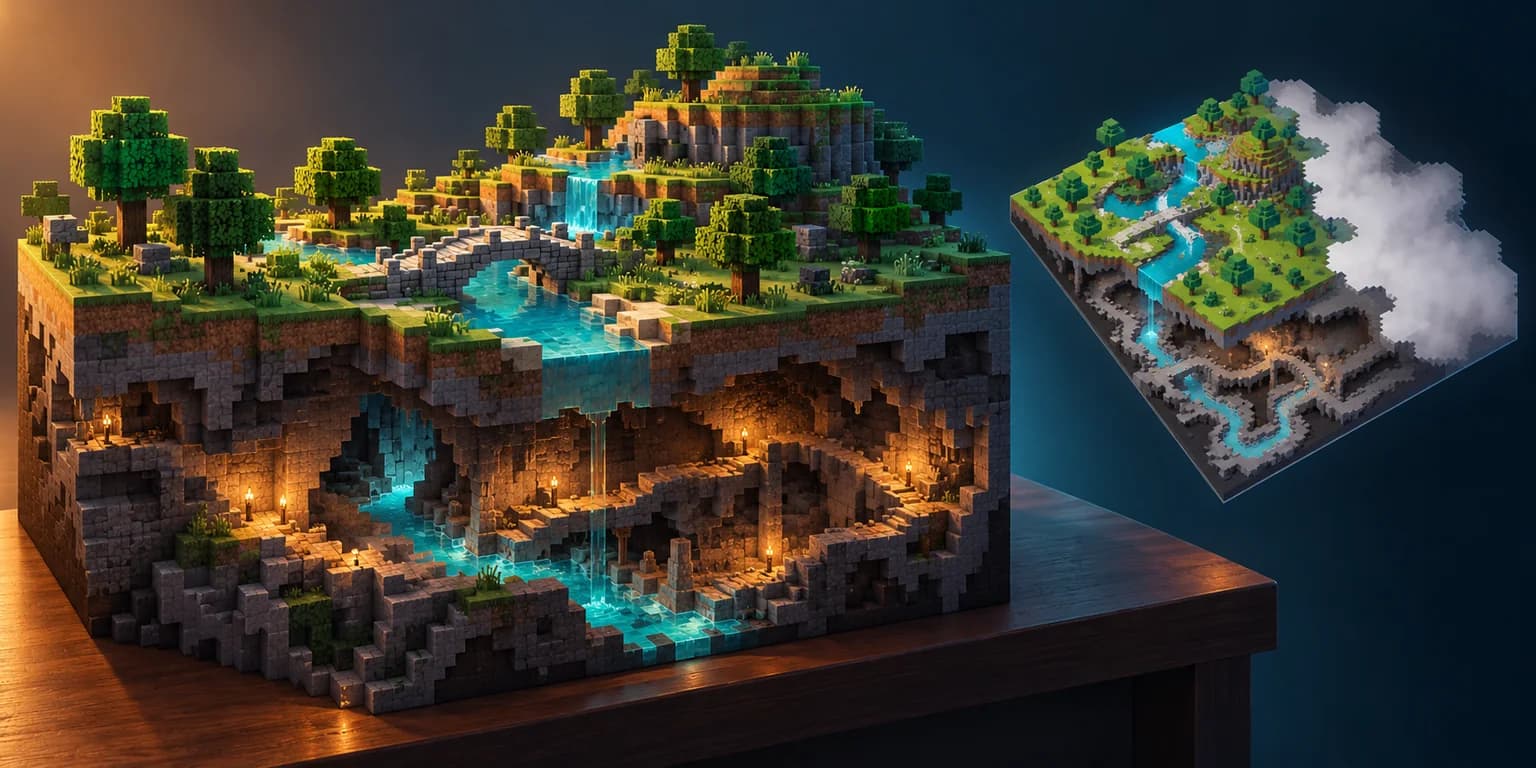
Dara A. shared Diorama on X on October 17, 2026 UTC. The project describes a client-side Fabric mod with an angled minimap and a pannable, zoomable full map. This guide uses repository revision 4defe0a2220fe70ba6f18a4fe78361f6c54c81bb, checked October 18, rather than assuming every later build behaves identically.[1][2]
The downloadable ten-case worksheet is original analysis of those documented behaviors. It contains no completed gameplay results: every runtime status is not_run. No mod was installed and no rendering speed, compatibility rate or game performance was measured for this article.
Match the client and dependencies first
The pinned README names Minecraft 26.3 and 1.21.11. Its mod declaration sets the environment to client and requires Fabric Loader 0.19.5 or newer plus Fabric API. The game and Java values in that source declaration are build placeholders; inspect the actual release for your chosen version instead of treating the template as a universal installation recipe.[2][3]
Fabric’s own guide says to match Minecraft version, Fabric loader ecosystem and Java Edition. Download only from a source you trust, put the compatible mod JAR in the installation’s mods folder, and launch the Fabric profile. Use a separate test profile and disposable world before involving valuable builds.[4]
Building from source is a separate path: the README calls for JDK 25 and provides version-specific Gradle build commands. That requirement describes the documented build setup, not a claim that this article verified every runtime configuration.[2]
Separate unknown coverage from surface readability
Diorama documents an angled view built from chunk data already available to the client, with fog where map data is missing. It also describes background tile baking and selective updates after edits. That combination makes data coverage and update freshness separate questions.[2]
Pick one bridge, a tree canopy and a terrain step in your own test world. Write down position and zoom, then compare what is visible from the ground with the angled map. Can you recognize the intended crossing? Does a canopy hide a route you need to see? Treat these as task-specific readability questions, not a demand that a minimap reveal every hidden surface.
At the edge of explored coverage, record the fog boundary before declaring terrain absent. After changing a landmark, record both the world edit and the visible map update. We provide no acceptable-delay threshold because no update timing was measured.
Use cave cuts to disambiguate vertical routes
The README describes the cave view as finding open space beneath a cut above the player. In the full map, C toggles the cave slice and PgUp or PgDn shifts the cut by four blocks. Keep X and Z as consistent as practical while comparing different heights, and record the selected cut with every observation.[2]
A useful test landmark has a tunnel under a bridge or a room beneath a hill. First identify it on the surface map; then change to cave mode and step the cut. If the expected route disappears, distinguish a different slice from unknown coverage before changing unrelated settings. A cave slice is not a simultaneous view of all vertically overlapping rooms.
The minimap also deliberately keeps its previous cave slice while preparing a new one, subject to readiness and fallback conditions in the pinned code. When climbing between levels, record the transition and the settled image separately. Do not mistake that temporary hold for proof of the selected floor or turn an implementation timeout into a measured rendering speed.[9]
On servers, check the server’s rules before using minimap, radar or cave features. The project documents a fair-play signal that restricts cave visibility to blocks seen by the player. That mechanism does not establish permission on every server; do not work around a restriction to complete a worksheet row.[2]
Verify saved-map context after a restart
Diorama documents persistent map data organized by world and dimension under .minecraft/diorama/. For servers, its README describes distinguishing worlds behind an address using a seed sent by the server. Record which world and dimension you are viewing before interpreting a familiar-looking map.[2]
In a disposable world, save a waypoint, close the session and reopen it. Compare the same landmark and waypoint, then repeat the context check after a dimension change. Persistence answers whether a map survives a restart; it does not by itself establish that every remote block is current. Back up important data before experimenting with saved-map folders. In the pinned implementation, missing fresh pixels can fall back to saved surface pixels, while cave bakes do not read that surface TileStore. A distant visible structure can therefore be historical coverage rather than a live confirmation.[7][8]
Keep observations separate from expected behavior
Download map-checks.csv and the companion README from the evidence links. The ten rows cover version matching, a surface landmark, unknown edges, vertical overlap, slice steps, world edits, restart persistence, dimension changes, server policy and slice transitions. Each row records a proposed setup, observation, interpretation trap and supporting source URL.
Copy the template for each run. Add exact versions, world context, coordinates, map mode and zoom; fill the observed-result field only after doing the check. Mark a blocked or inapplicable case honestly. For slice transitions, preserve the initial image as well as the settled one, with timestamps. A source-code hold condition is not an observed FPS or latency result.
The repository includes game-test commands, but this article did not execute them. The worksheet is a starting protocol for your own evaluation, not certification that Diorama passed it. Its MIT license covers repository software subject to its notice conditions; it is not a blanket license for unrelated game artwork or other people’s worlds.[2][5]
Apply the readability test to your own game
The broader design lesson is to make map context explicit: surface or cave, known or unknown terrain, requested or displayed state, current session or saved coverage. Test those distinctions with a small repeatable scene before designing a larger navigation interface.
For a separate original game prototype, Goblin3D Image to 3D can turn an owned reference into a 3D asset. Try a distinctive landmark and inspect whether its silhouette remains recognizable at minimap size in your own workflow. This is not a Minecraft mod import path or a documented Diorama integration.[6]
Evidence used
- Download the ten-case map worksheet
Original source-mapped manual test plan with all runtime results explicitly not run.
- Read the worksheet method and limits
Reproducible source audit, controlled comparison instructions and honest evidence limits.
Sources
- 1.Dara A. introduces the Diorama minimap — Dara Adedeji. Accessed 2026-10-18.
- 2.Diorama documented behavior at a pinned revision — Diorama. Accessed 2026-10-18.
- 3.Diorama client environment and dependencies — Diorama. Accessed 2026-10-18.
- 4.Fabric mod installation requirements — Fabric. Accessed 2026-10-18.
- 5.Diorama MIT license — Diorama. Accessed 2026-10-18.
- 6.Goblin3D Image to 3D — Goblin3D. Accessed 2026-10-18.
- 7.Saved-pixel fallback in TileBaker — Diorama. Accessed 2026-10-18.
- 8.Cave bake storage selection — Diorama. Accessed 2026-10-18.
- 9.Minimap slice transition behavior — Diorama. Accessed 2026-10-18.
Prototype a readable landmark
Start with an owned reference in Goblin3D Image to 3D, then inspect the asset in your own game.
Explore Image to 3DRelated Goblin3D guides and tools
Sources, product facts, and original evidence were checked before publication.